Exfoliator LookDev
INITIATING REVIEW DASHBOARD...
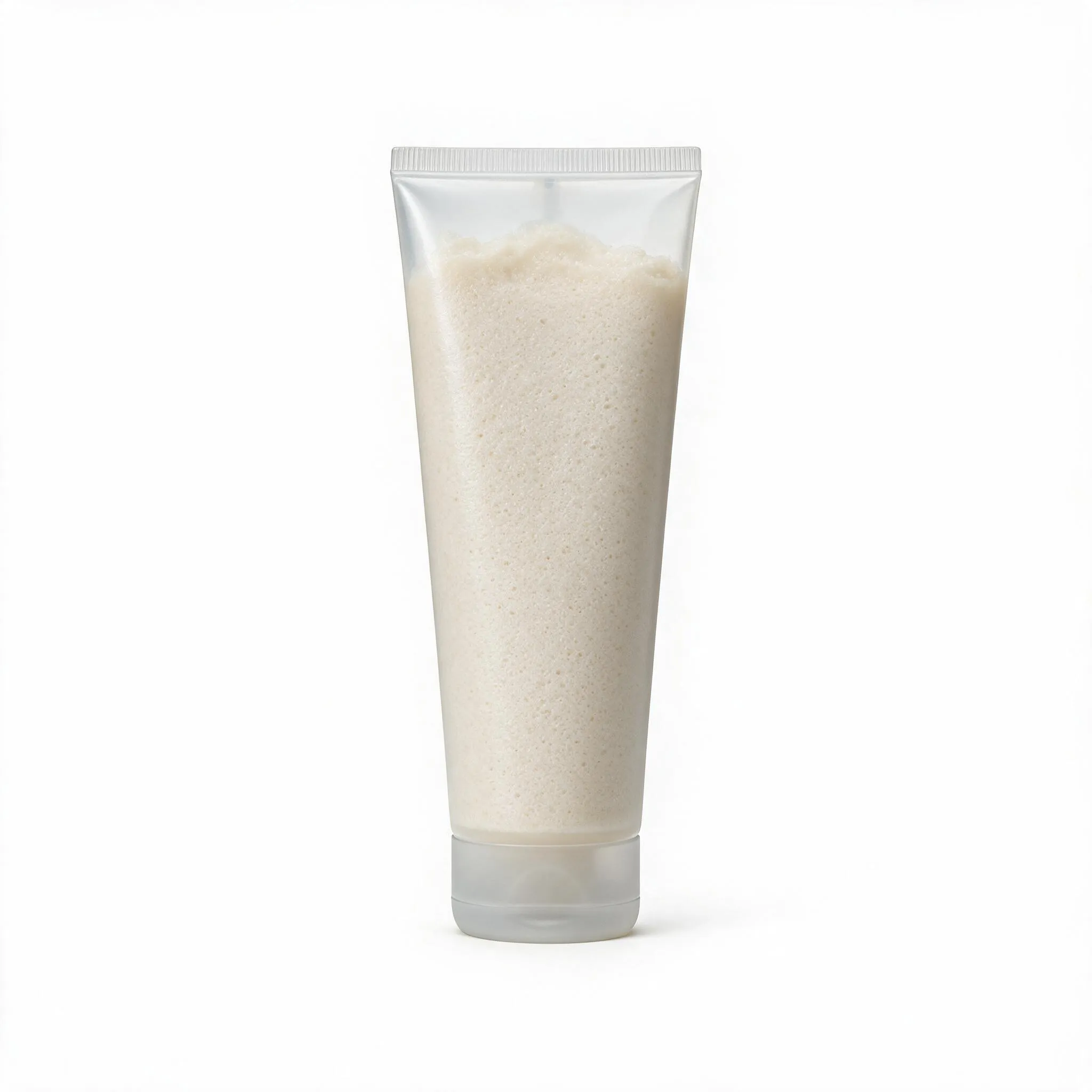
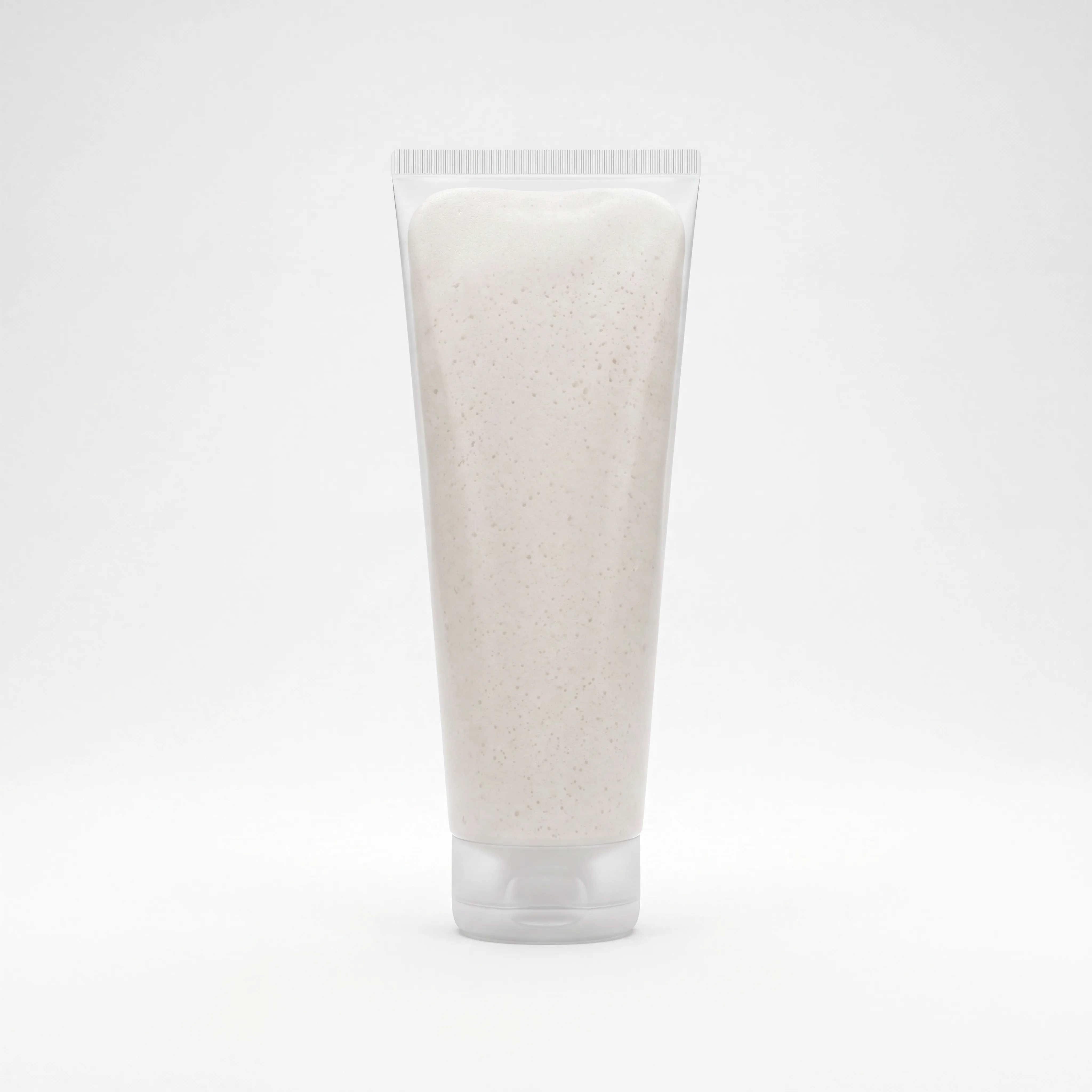
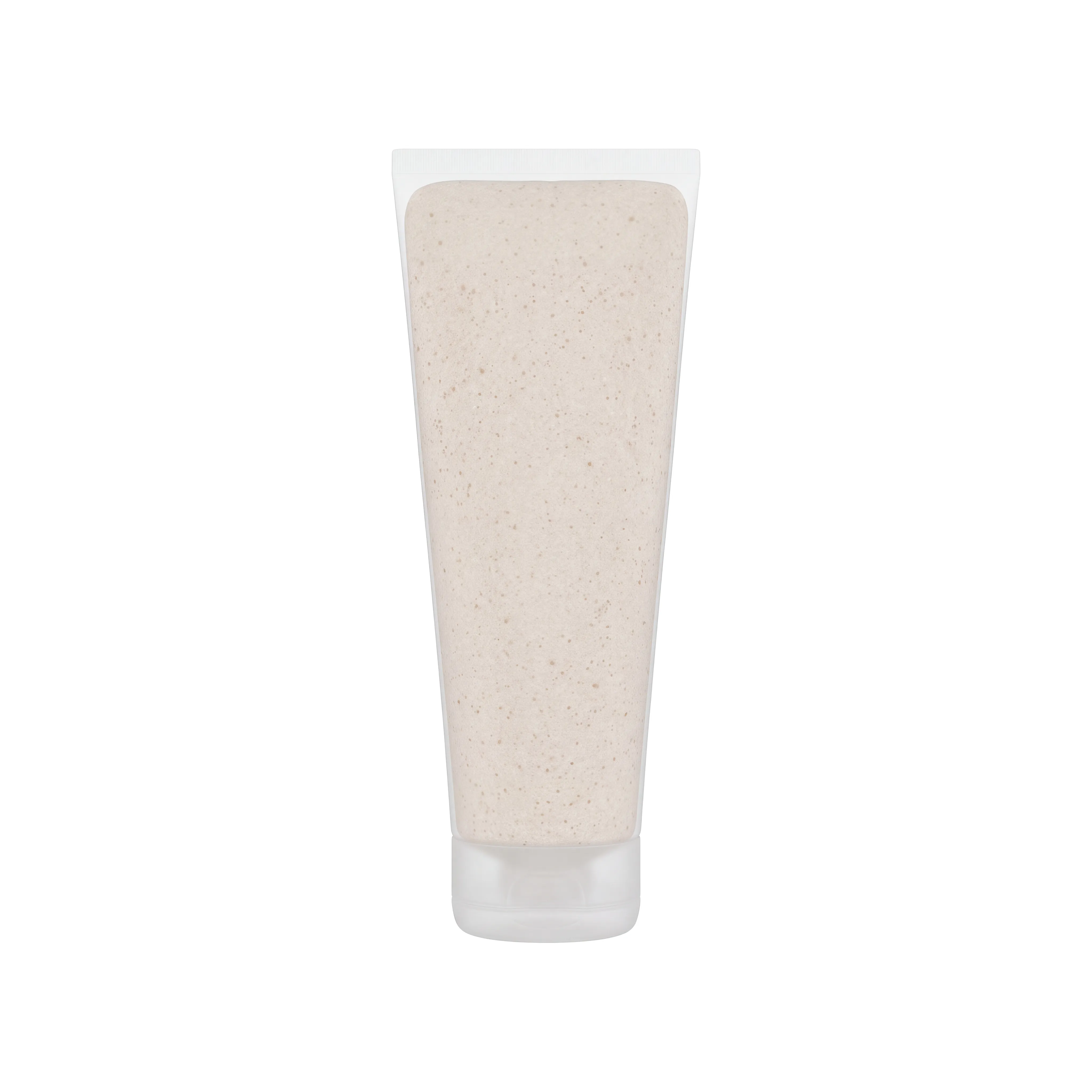
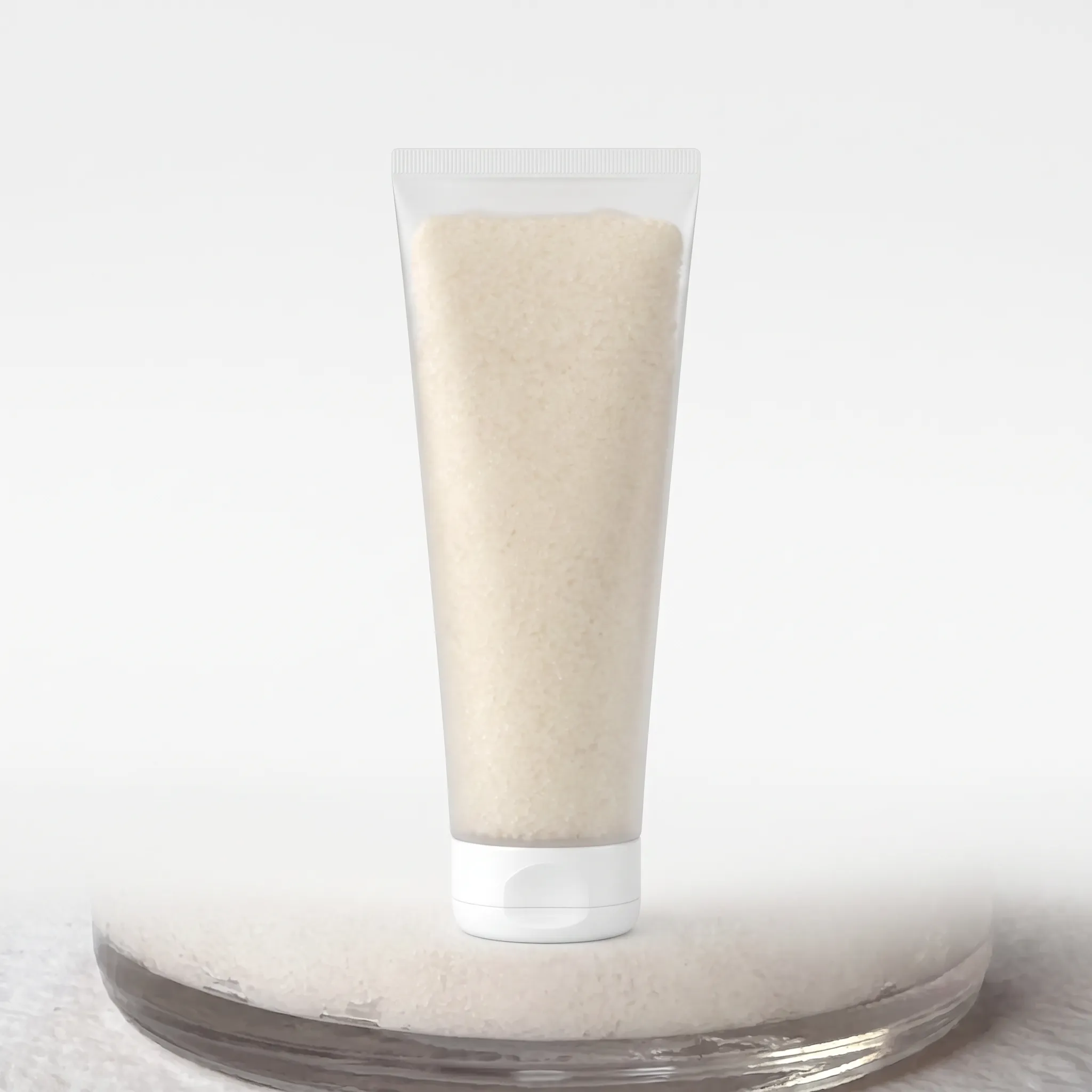
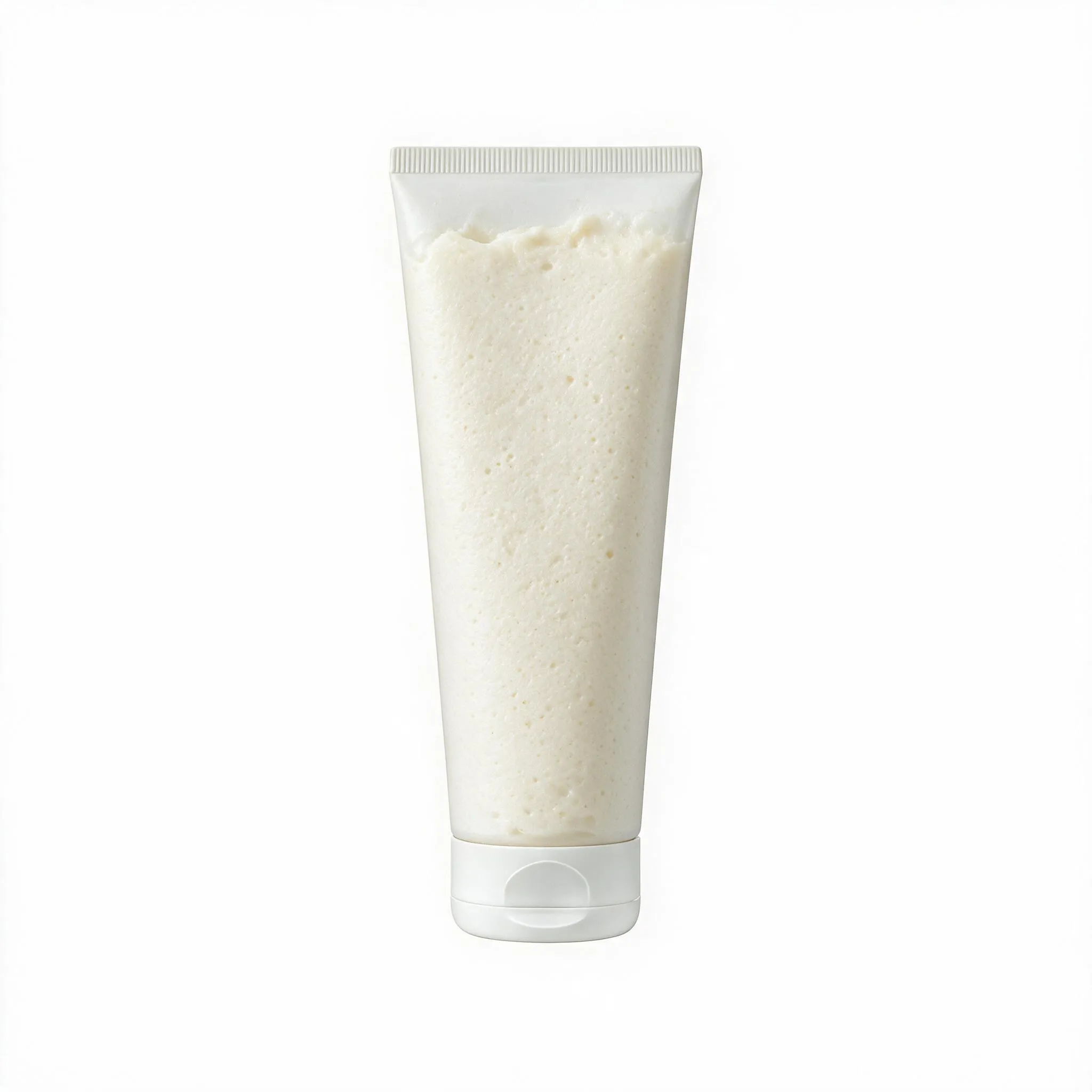
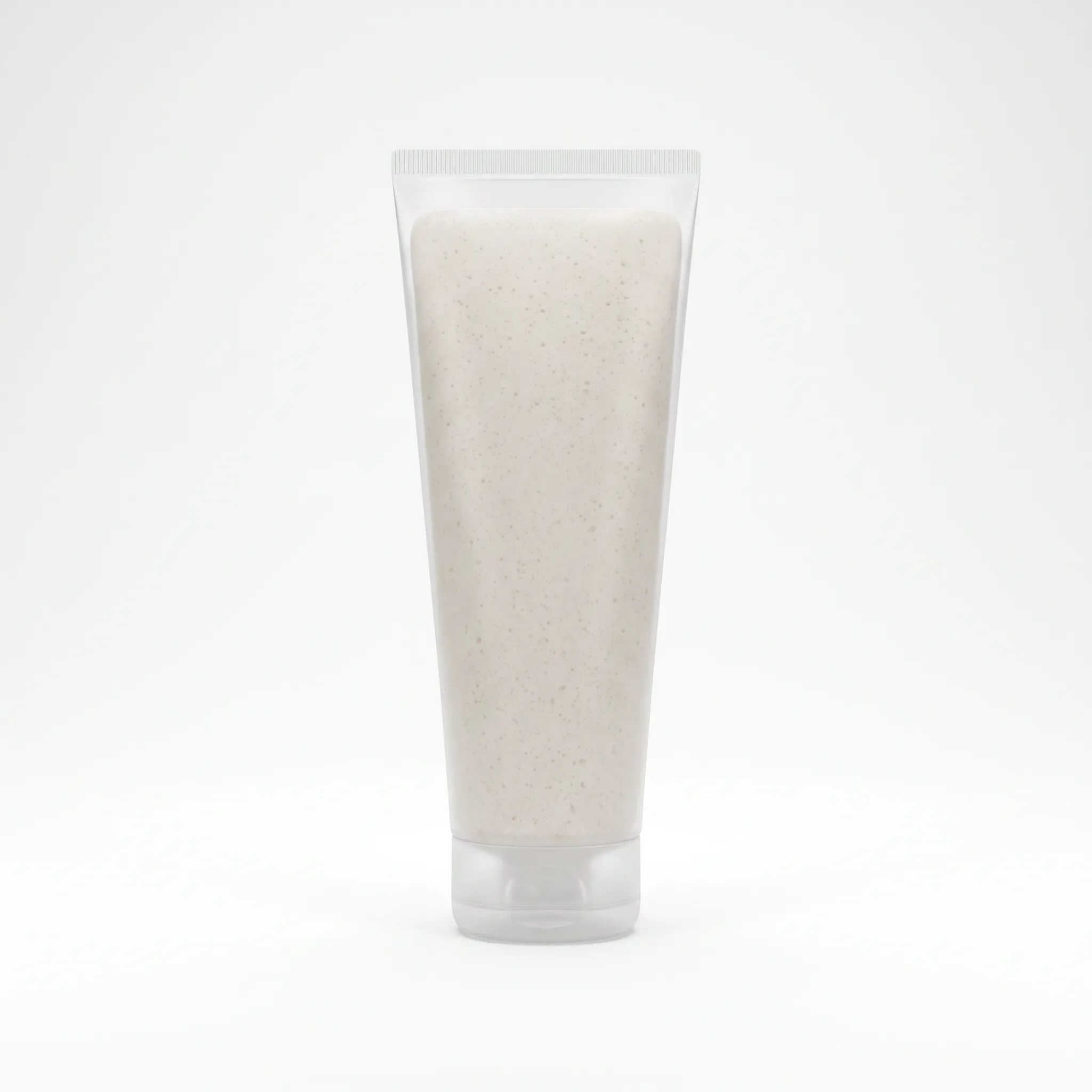
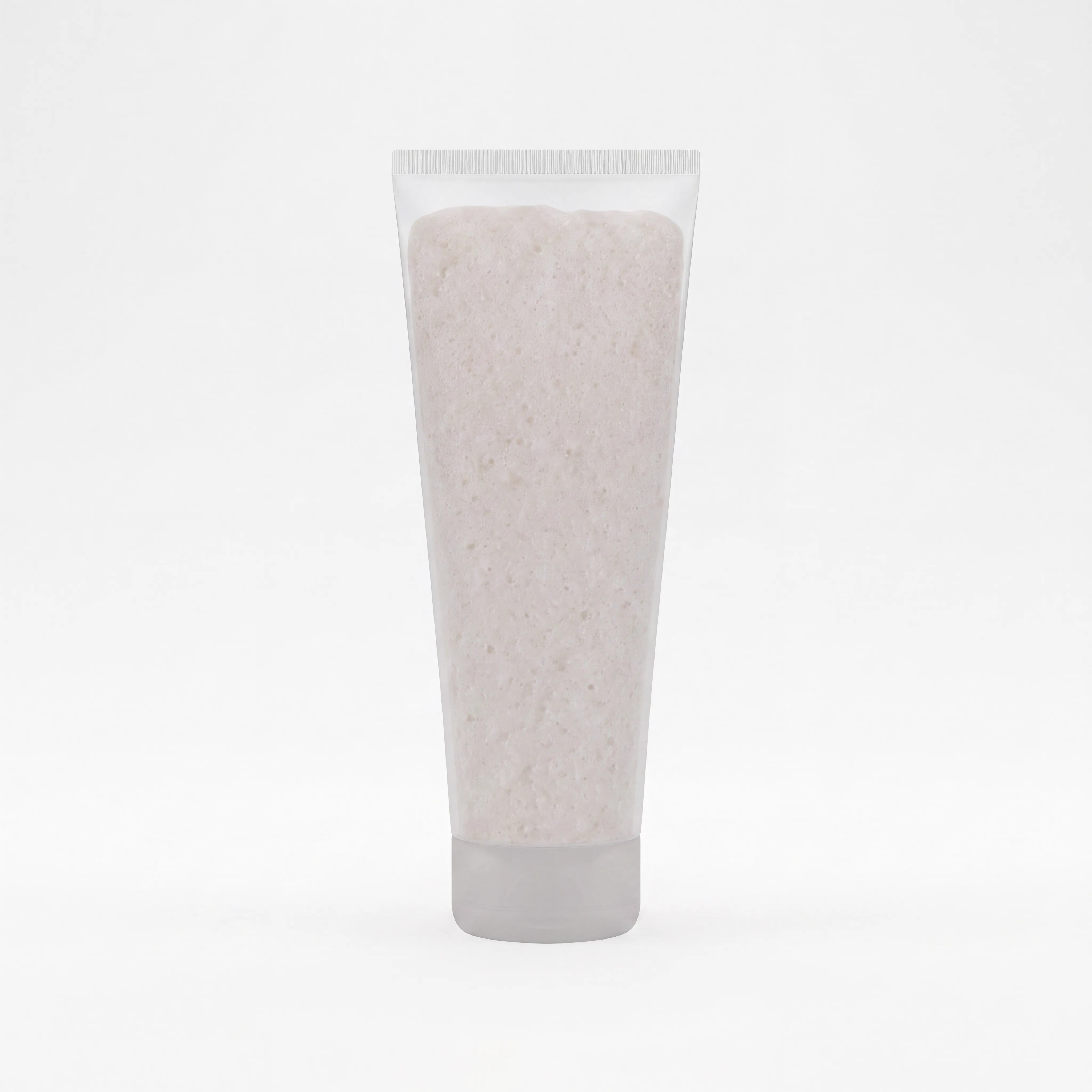
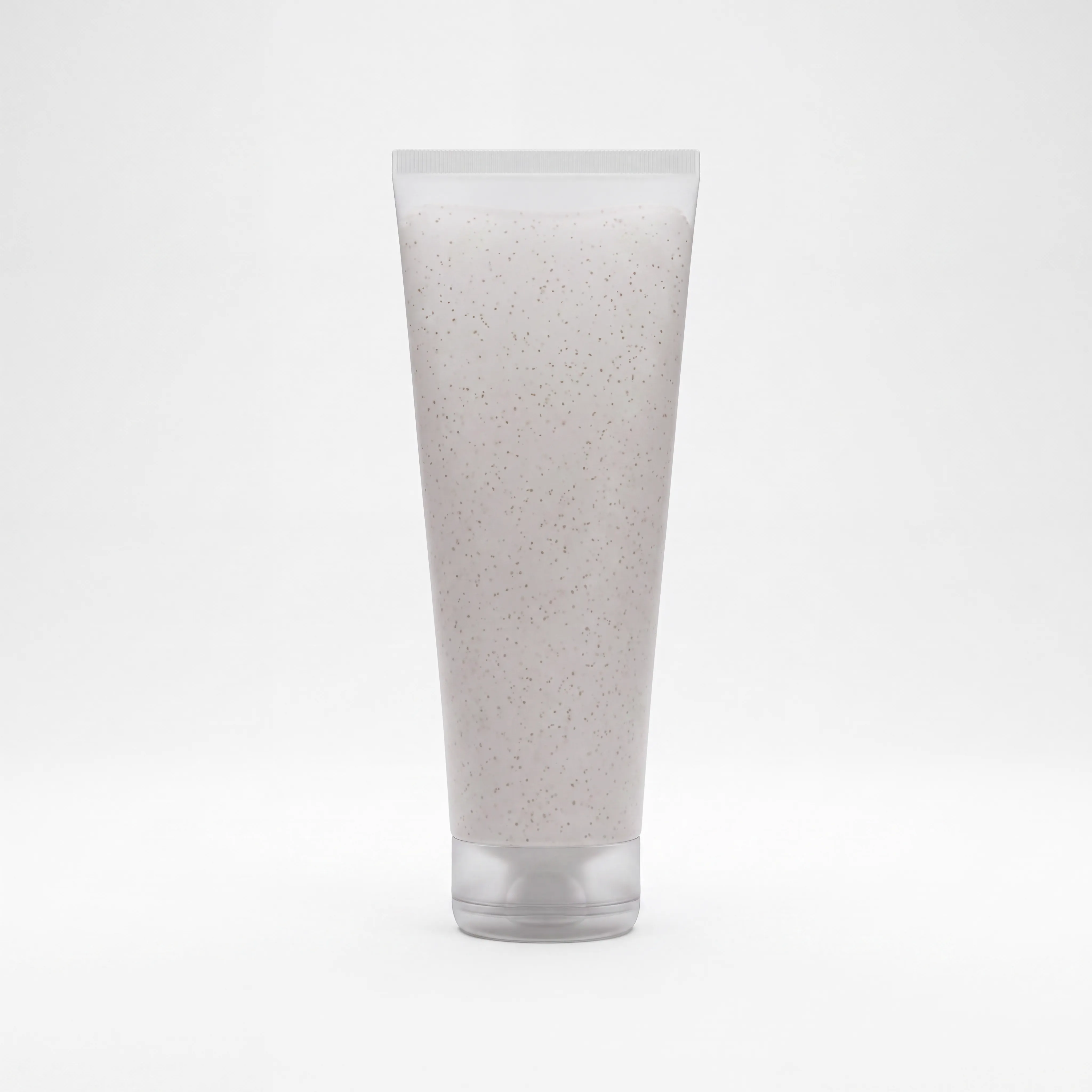
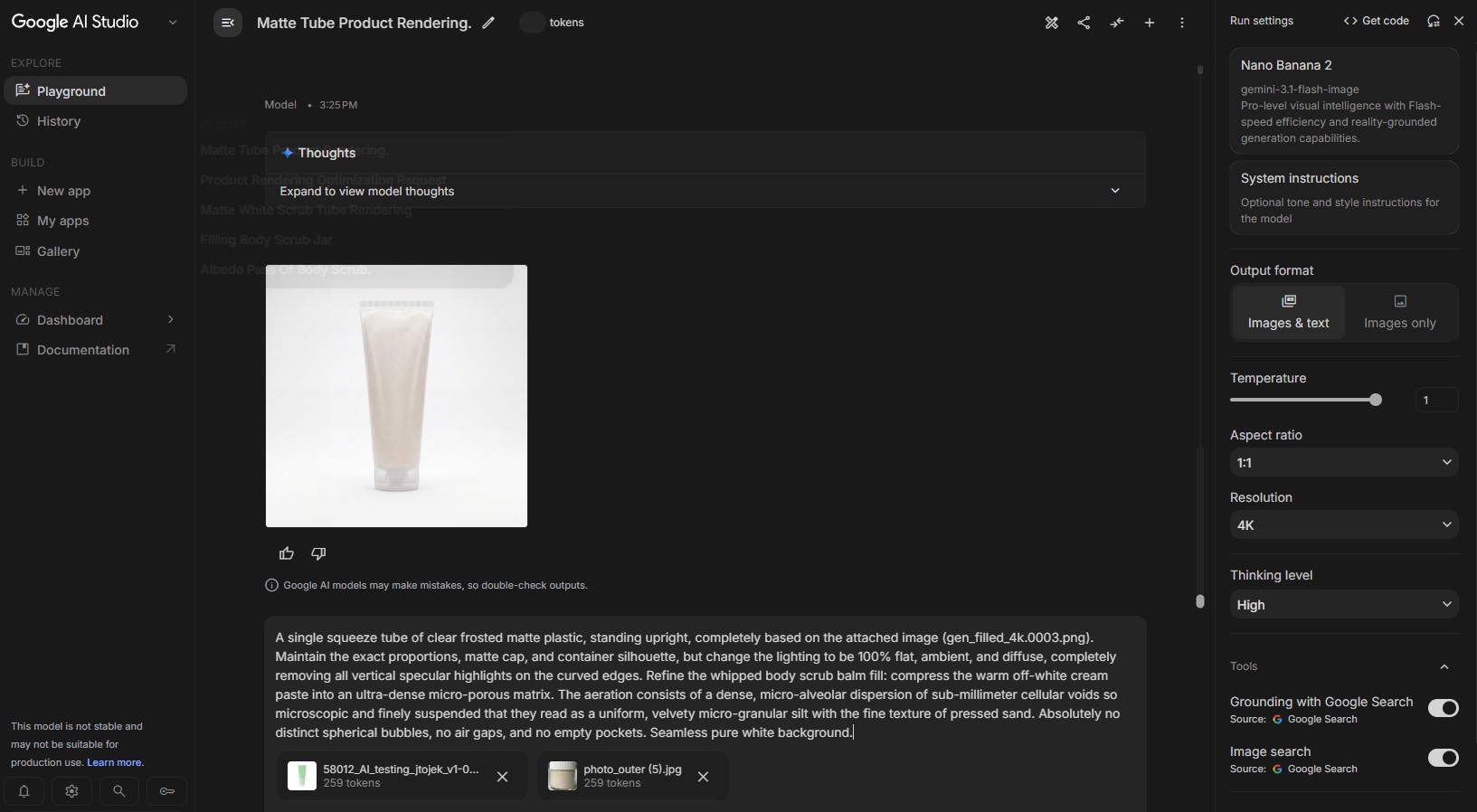
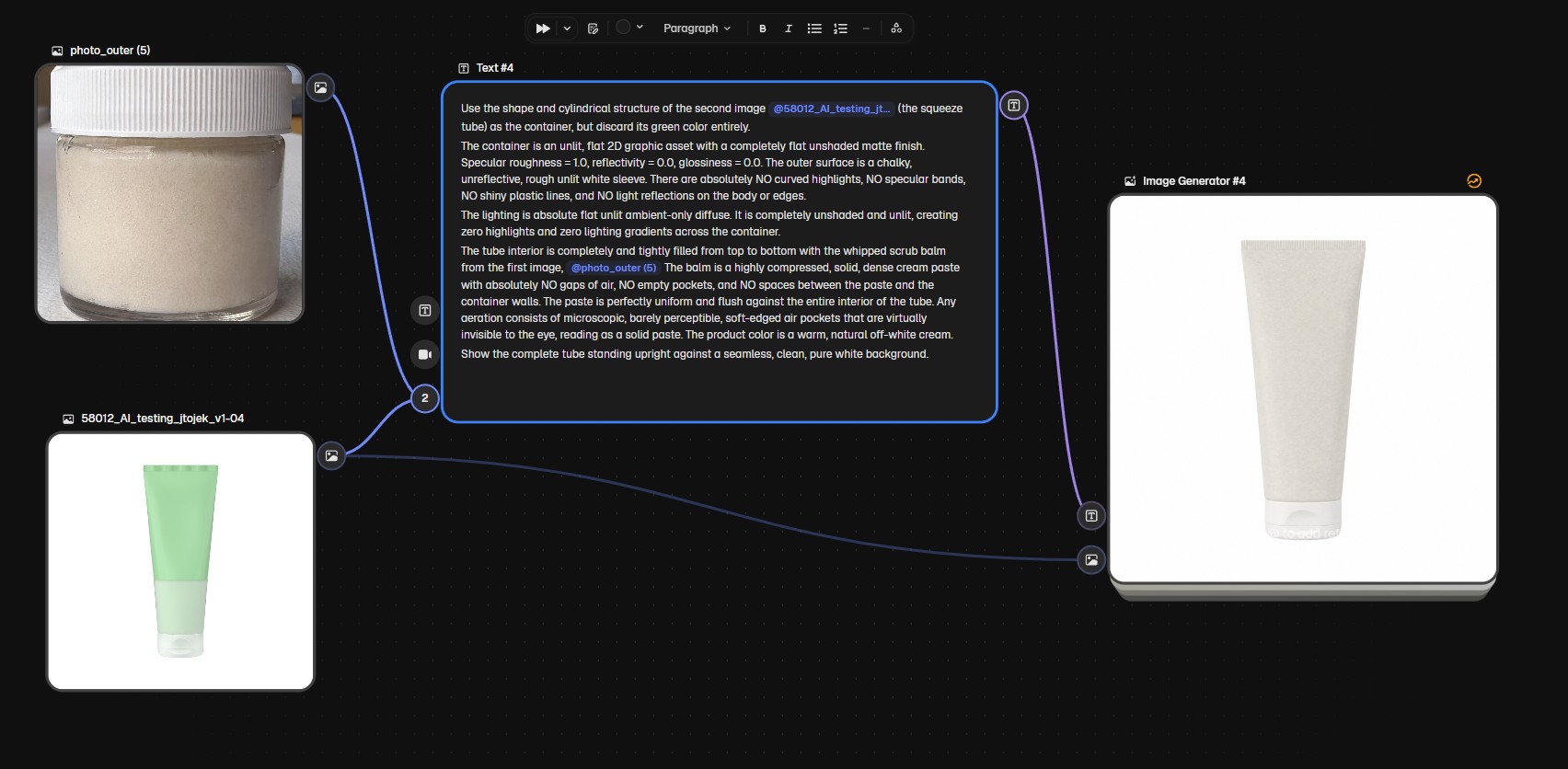
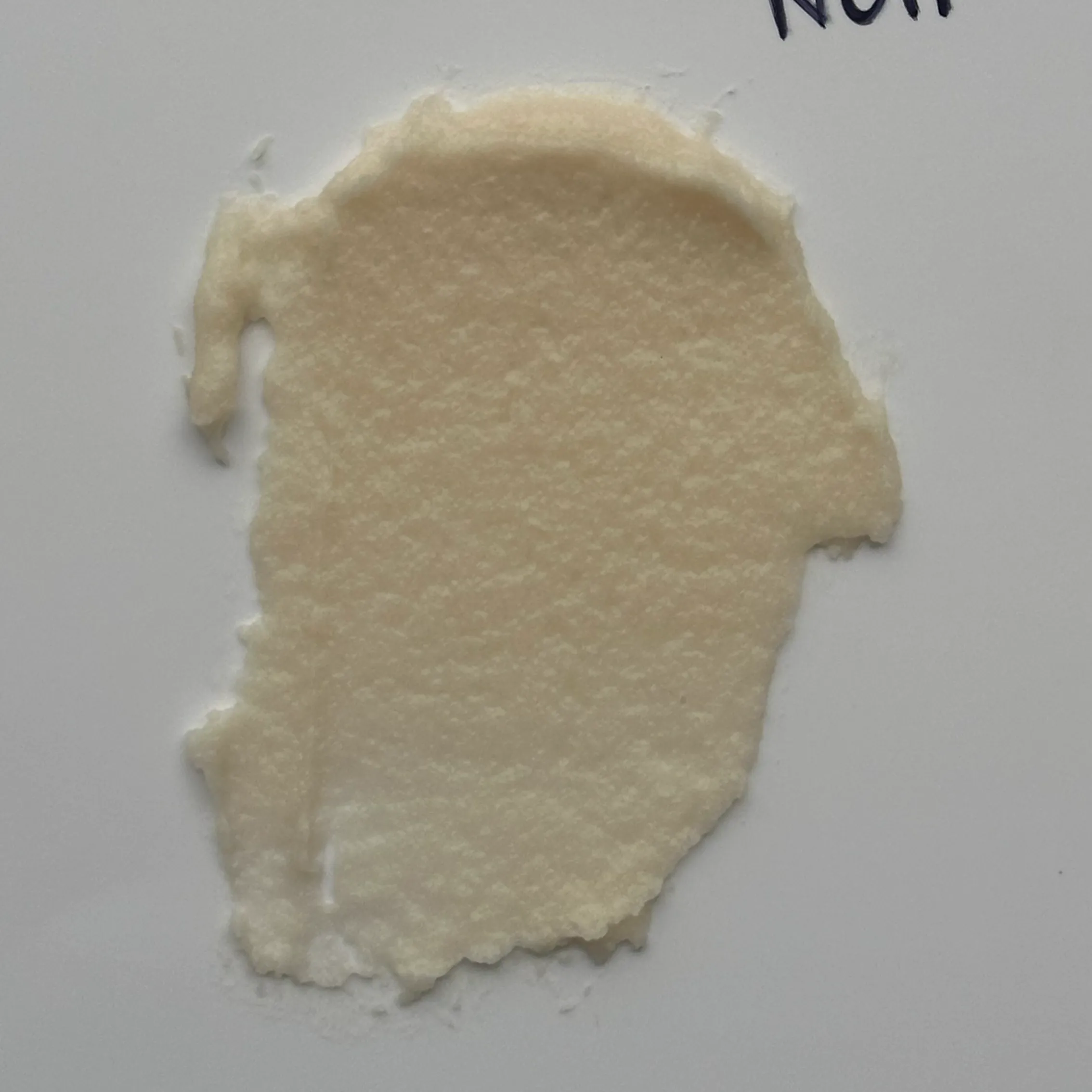
Evaluating generated outputs against physical product specifications. Our goal was to simulate a non-reflective matte frosted sleeve holding a dense, luminous, micro-aerated crystalline balm—eliminating glossy reflections and capturing correct material density for our 3D and compositing teams.
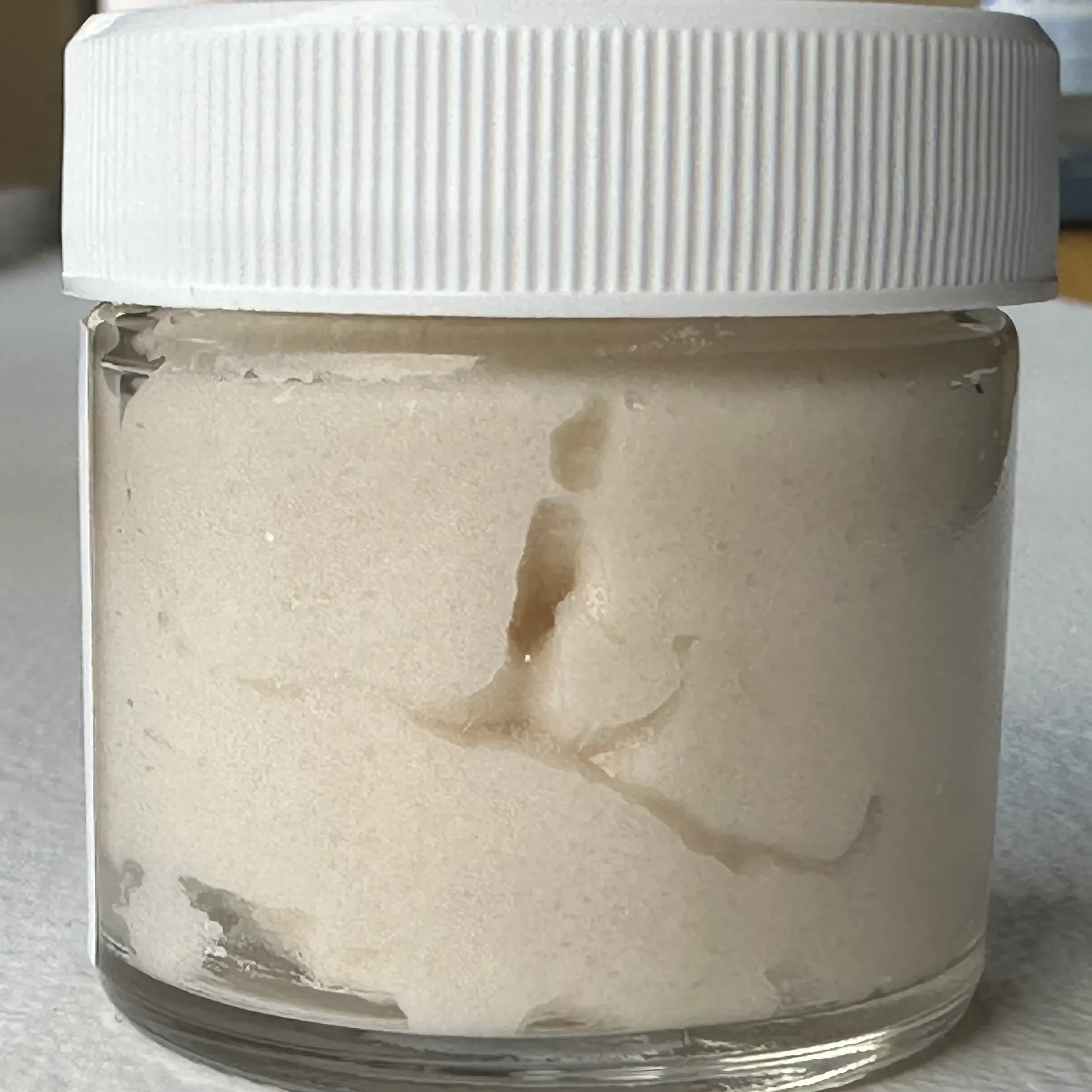
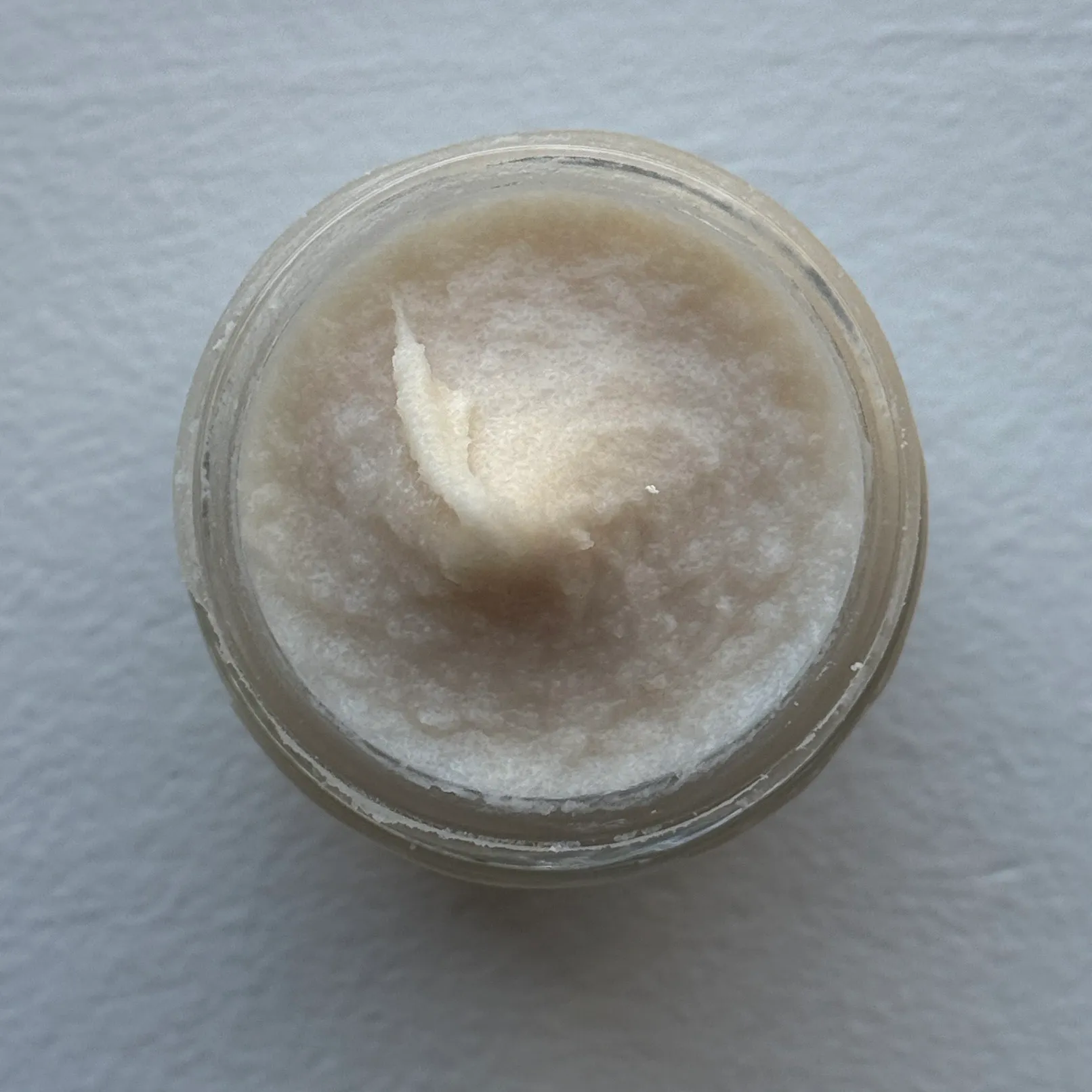
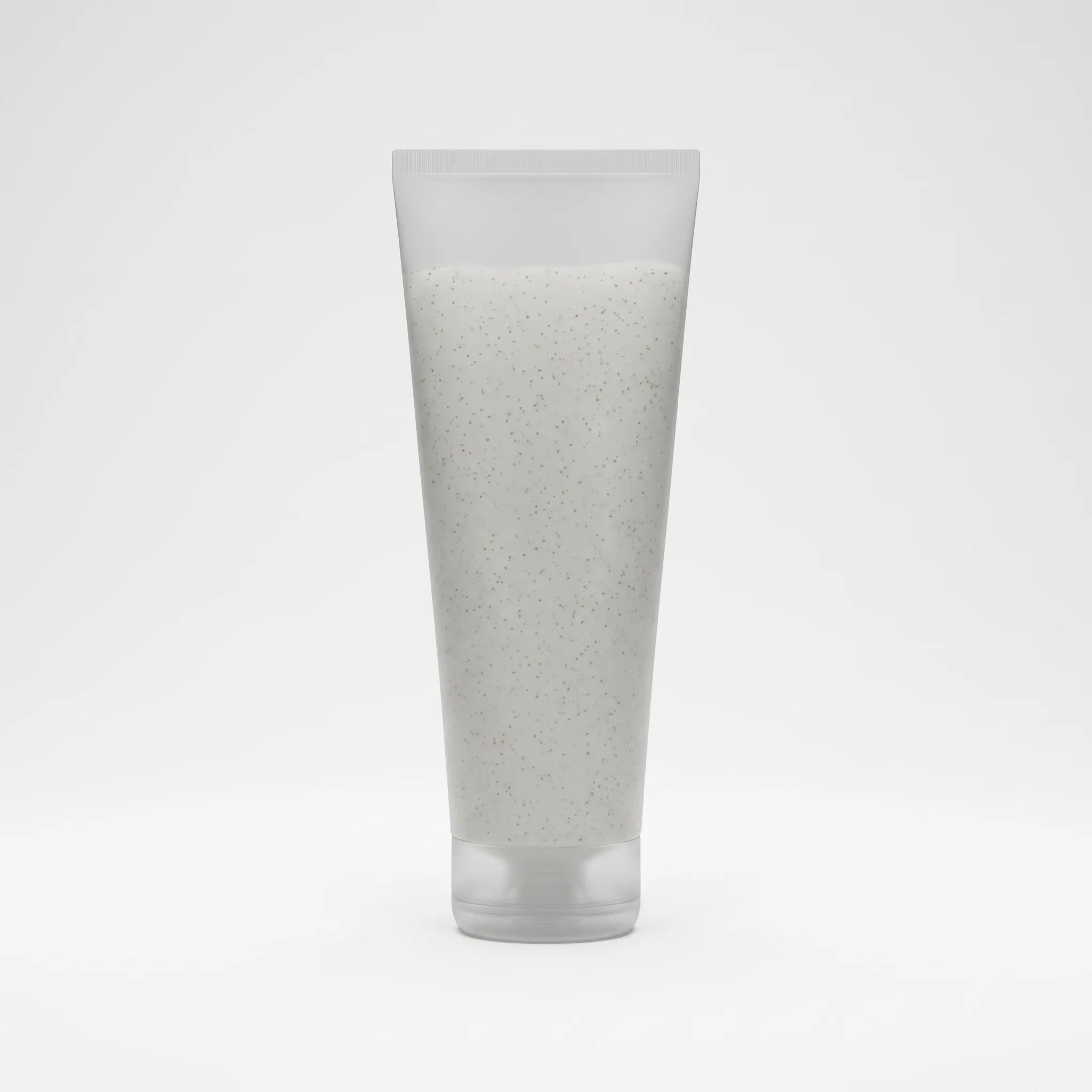
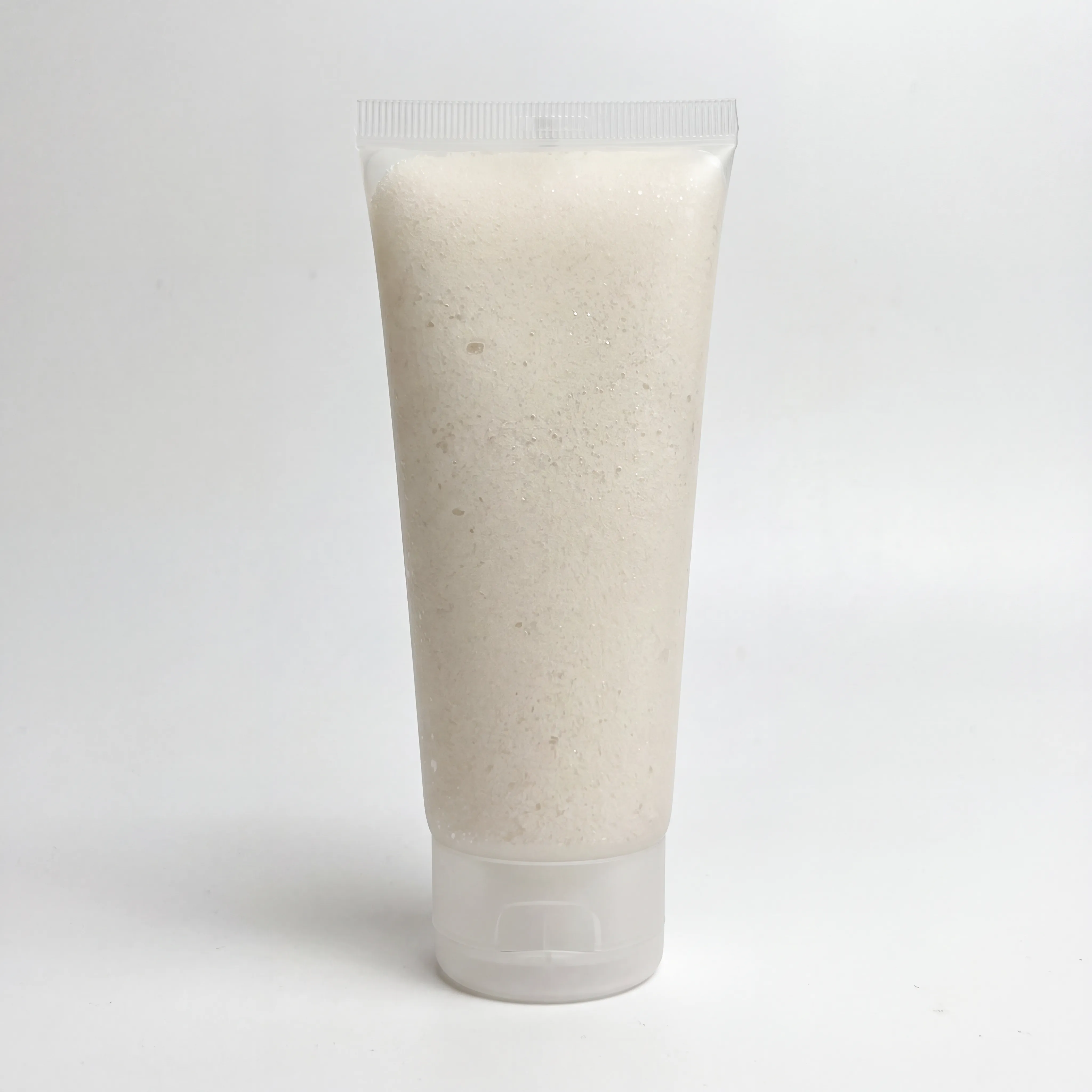
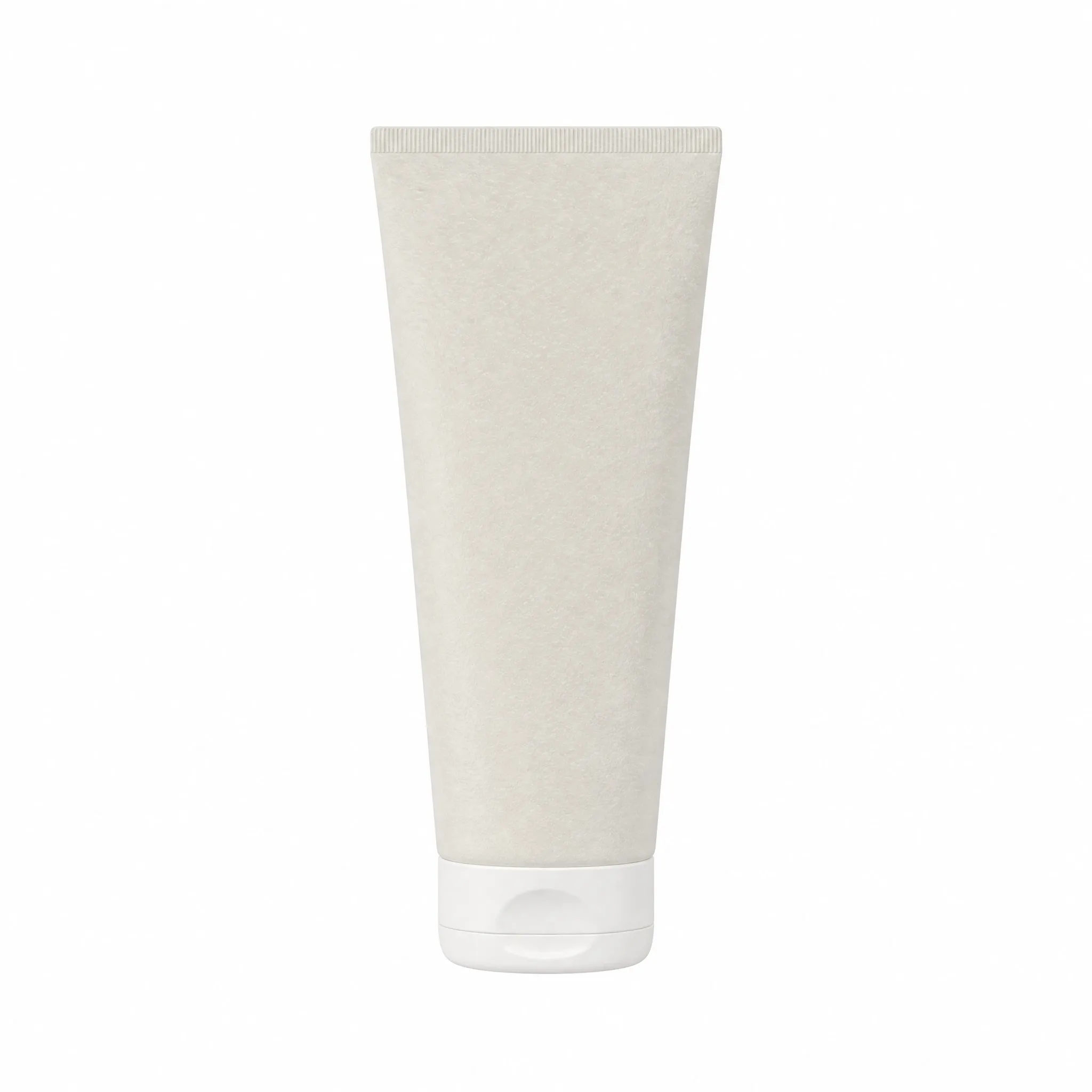
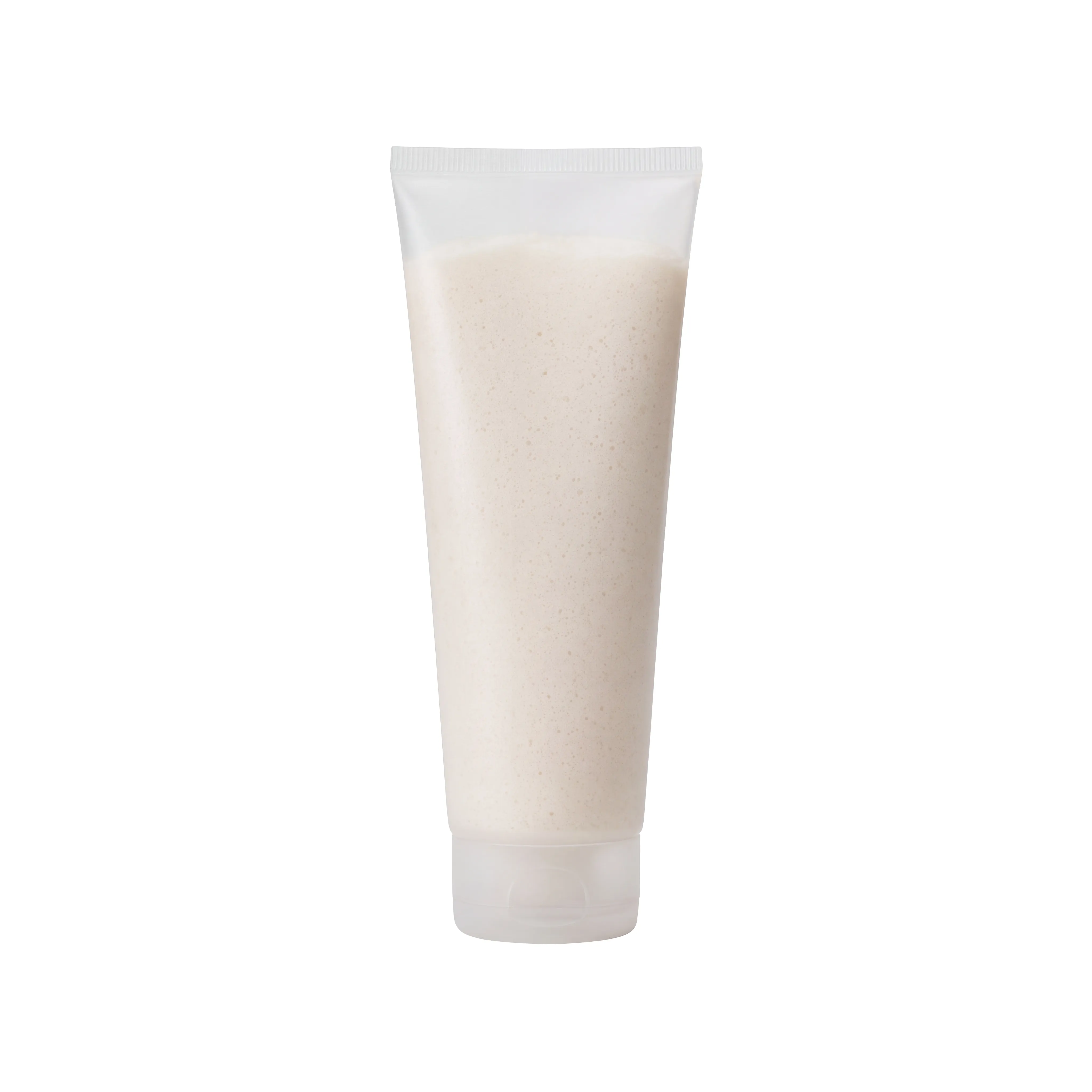
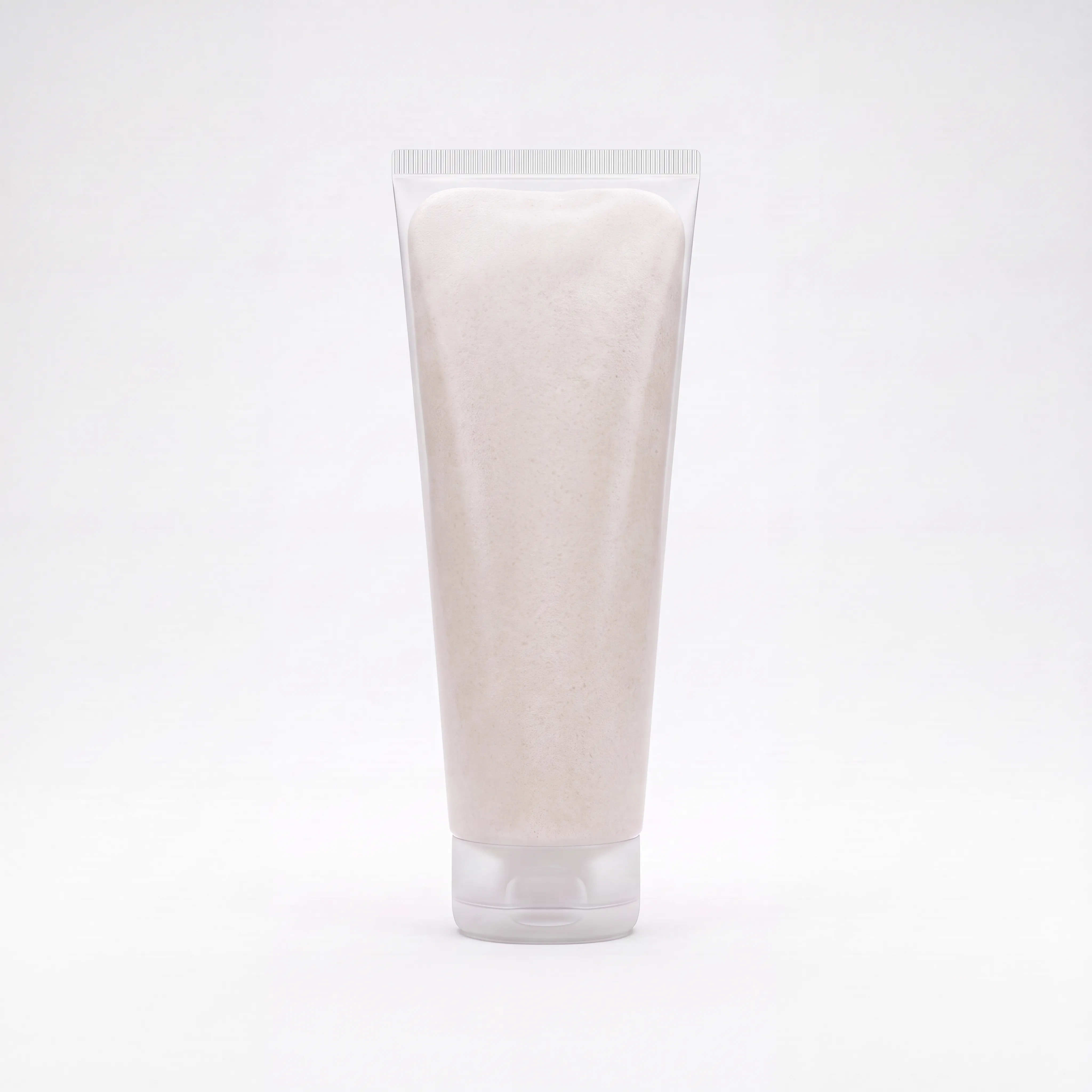
These reference photographs of the physical exfoliator tube, base balm formula, and aeration goals were provided as seed images and text prompts to align the generative AI models:
CLICK TO EXPAND
CLICK TO EXPAND
CLICK TO EXPAND
Drag or click the timeline below to scrub through the 10 key milestones of our generation process, comparing outputs across engine nodes.
JULY 17, 2026
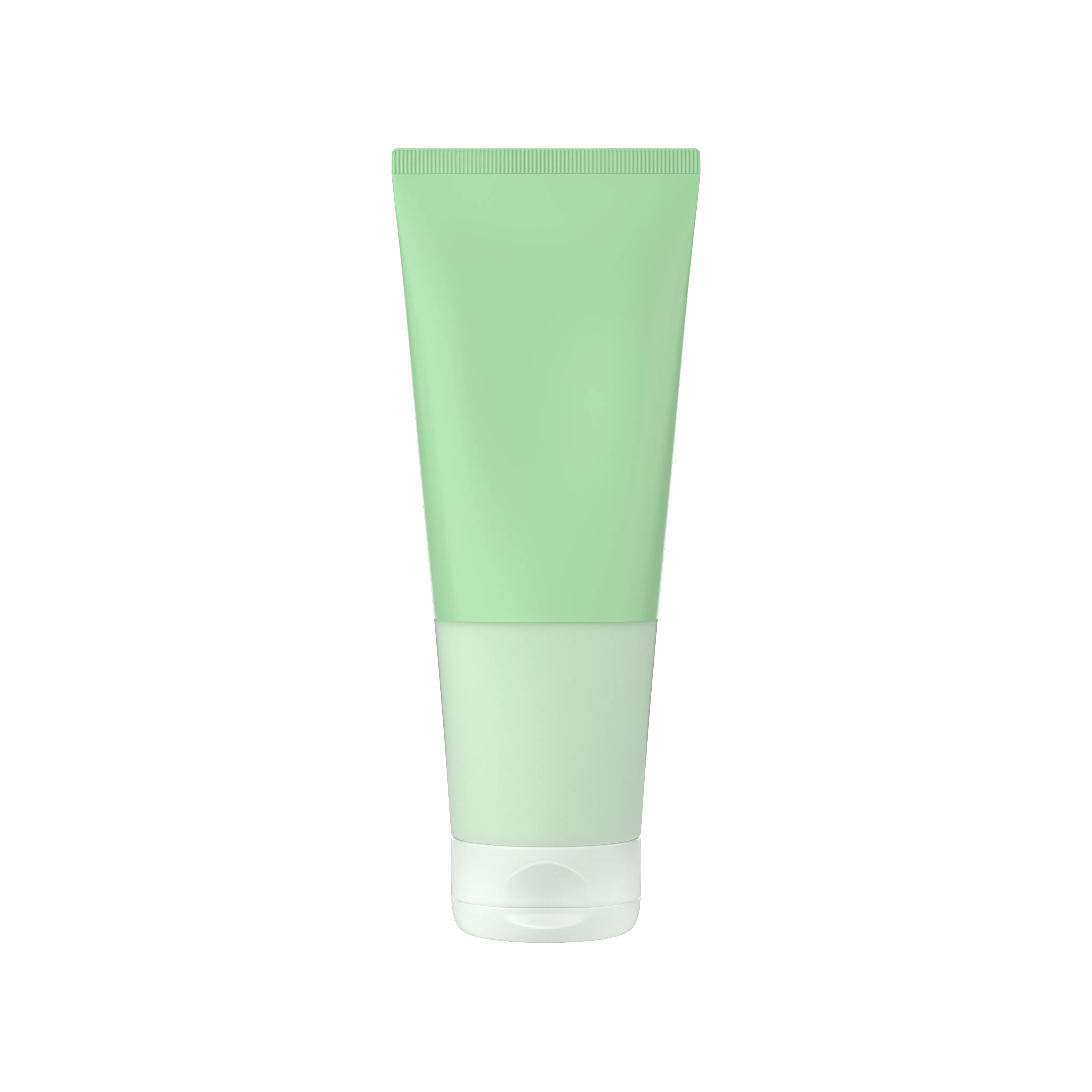
At kickoff, the initial 3D layout scenes and mockups assumed a neutral green plastic proxy container. Dieline files specified a pink speckled gel, which was replaced post-real product inspection.
PLATFORM / CHANNEL
Client Maya Scene
QC EVALUATION
Proxy Reference Only
KEY OBSERVATION
Frosted sleeve contours established; gel parameters overridden.
Standard generative models default to high-specular glossy highlights along transparent container borders. To match our design briefs, we suppressed these reflections entirely.
Use the interactive loupe on the right to compare the initial specular highlights (v6) with the approved matte finish (v18).
Hover over the cards below to preview our five physical evaluation targets. Hover triggers a custom 3D card tilt and reflection glare. Click any card to load technical specifications below.
The outer squeeze tube plastic must read as 100% matte with zero specular reflections, gloss, or vertical commercial highlight bars on the curved container boundaries.
Retouching must use the raw matte color map as an unlit diffuse card, completely suppressing specular highlights inside Photoshop blend layers, ensuring full manual control of plastic specular in post.
In Maya/Blender, set outer plastic shader transmission roughness = 0.95, specular IOR = 1.33, and assign zero metallic highlights on the cylinder's volume boundaries.
Filter iterations by their exact closed-source image generators. Select the **Compare** checkbox on any two cards to analyze output structures side-by-side!
FAIL SPECULAR
Google Nano Banana 2 (gnb2)
FAVORITE
Google Nano Banana 2 (gnb2)
FAVORITE
Google Nano Banana Pro (gnbp)
FAVORITE
Google Nano Banana Pro (gnbp)
FAIL JARGHOST
Google Nano Banana 2 (gnb2)
PASS BUBBLES
Google Nano Banana Pro (gnbp)
FAIL SLEEVE
Seedance 5 Pro (sd5p)
PASS SLEEVE
GPT-2 (gpt2)
STABILITY TEST
Google Nano Banana 2 (gnb2)
DETAIL EXPANSION
Google Nano Banana Pro (gnbp)
FAIL SPECULAR
Google Nano Banana 2 (gnb2)
LOCKED FINAL
Google Nano Banana Pro / Seedance
Understanding the distinct roles, platforms, and prompt styles that shaped this look-development process. Click on the high-resolution screens to inspect text directions in full size.
Structural & Instruction Node
Used to lock down 3D cylindrical container geometry, enforce material constraints, and establish local diffuse color bounds. Under the Two-Layer setup, AI Studio separates background constraints from user parameters, keeping edges clean.
Micro-Texture Synthesis Node
Deployed as our primary detail generator, upscaling base outputs from AI Studio up to 4K. Magnific excels in micro-bubble texture synthesis, scaling coarse grain structures down to high-density sand and crystalline mousse.