trained with Fizgig · rendered in ComfyUI · RTX 5090
A likeness LoRA for Krea 2 stills, and a LoRA that carries picture, motion and voice into MiniMax H3. Trained on this machine, one afternoon, and deployed the moment they finished.
Two adapters came out of the same dataset and the same afternoon. They do different jobs, and they use the same trigger word on purpose.
Stills · LoKR
krea2_t2i_lokr_j0nt11awm_v02_fizgig.safetensors
Video · motion · voice
mmh3_t2v_lora_j0nt11awm_v01_fizgig.safetensors
The trigger word
j0nt11awm
Both adapters answer to the same token. One identity across stills, motion and voice. Put it at the front of every prompt — the token carries who, the rest of the prompt carries what.
Fizgig separates caching from training. Cache once, then train as many times as you like.
01
Conform the dataset. Clips snapped to 24 fps and the H3 frame grid, audio resampled, faces cropped to 35% padding.
02
VAE latents and text embeddings written to disk once. Every later epoch reads them instead of re-encoding.
03
INT8 W8A8 on the 5090, no block swapping. Per-image loss watch, adaptive LR, EMA checkpoints every epoch.
04
A watcher waits for the final file and copies it into ComfyUI and Wan2GP, then writes the sidecar log.
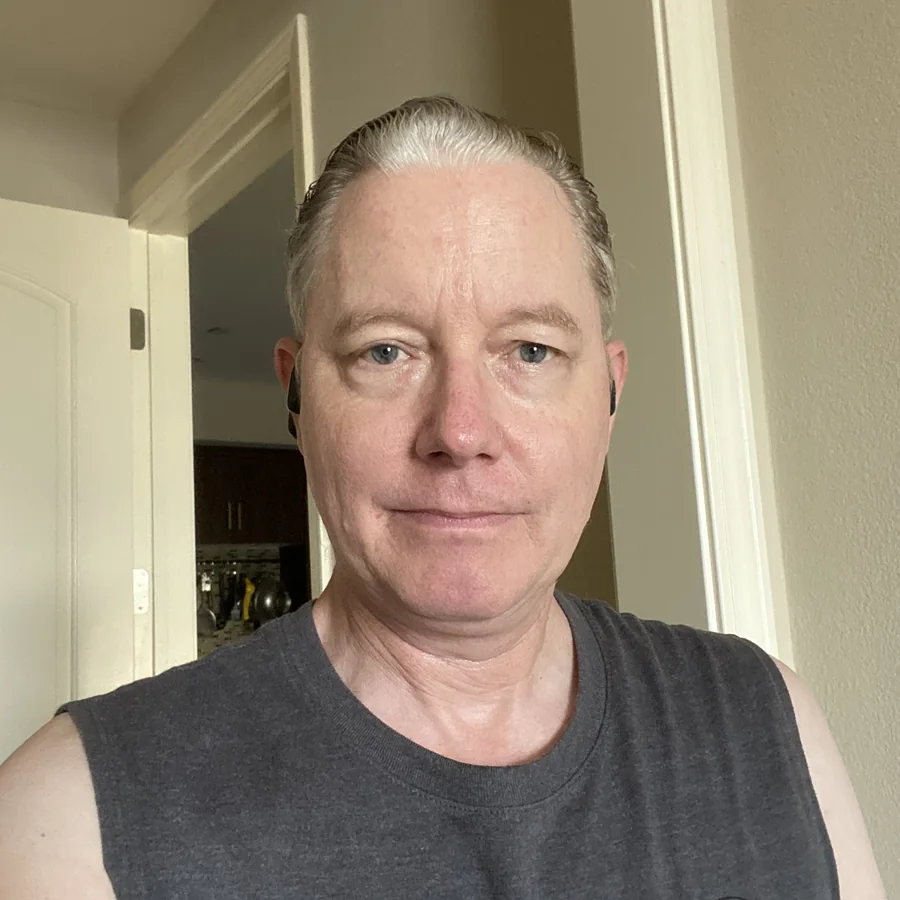
The stills dataset in full. Half of it is tight face crops — that is where the likeness lives, and it is what holds at low resolution.
Face crops — 32 of the 65 items, cropped on the detected face


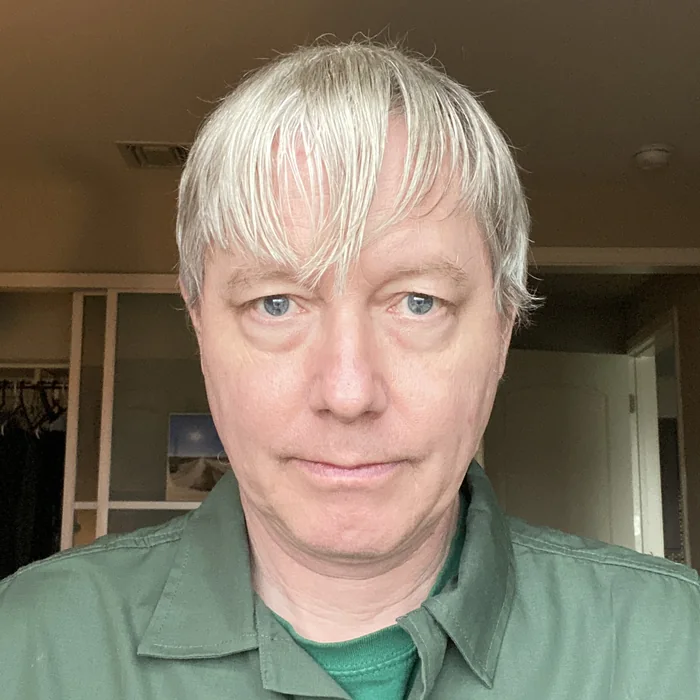



6 of 32 shown. Every crop carried a caption written to it automatically: close-up portrait photo of j0nt11awm man, highly detailed facial features, short silver-blonde hair, light blue eyes.
Context stills — the other 33, baked in at 1024×1024, bucketed, never upscaled

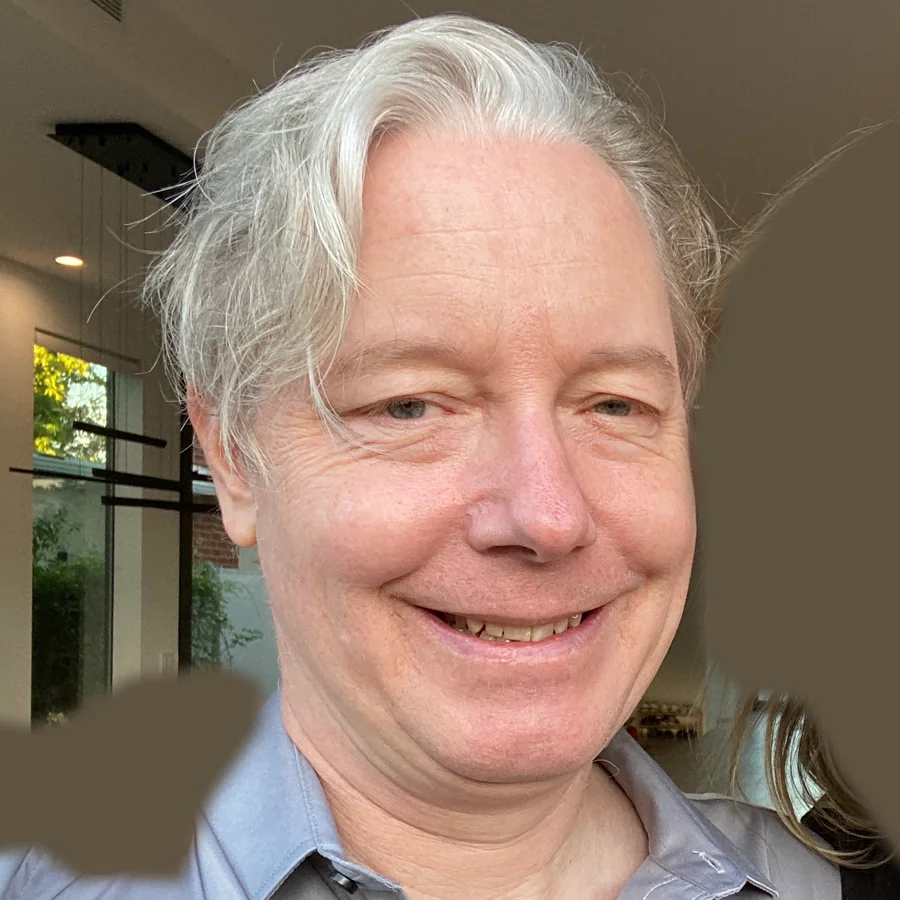




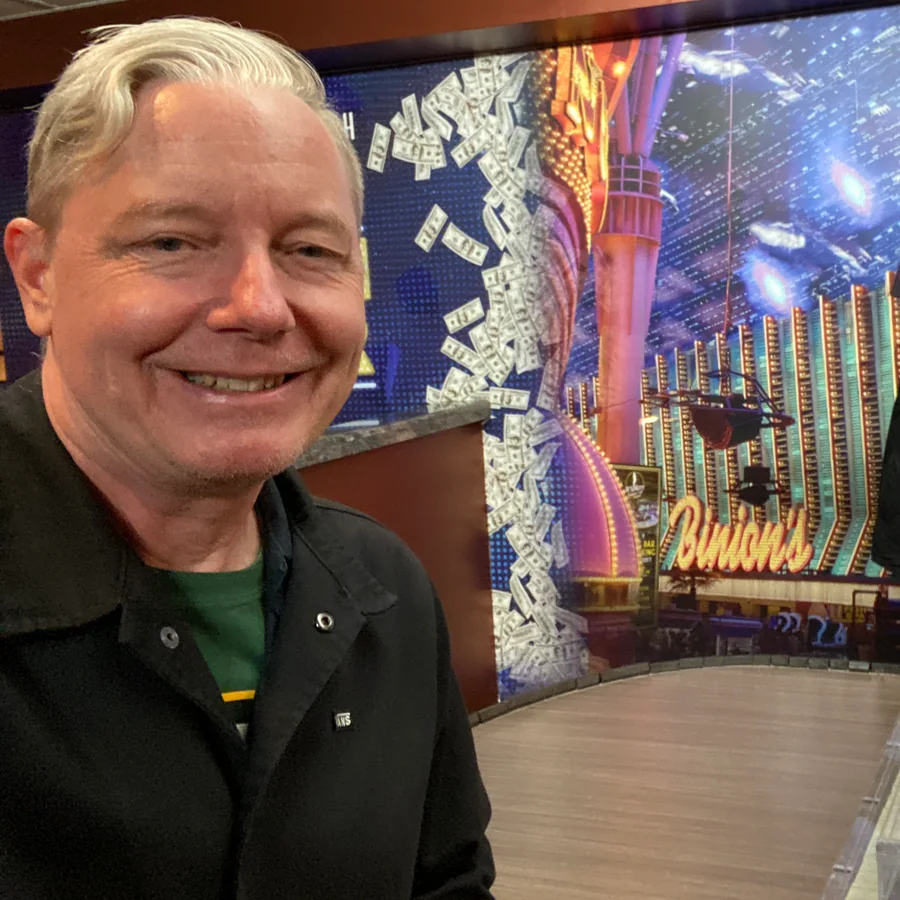
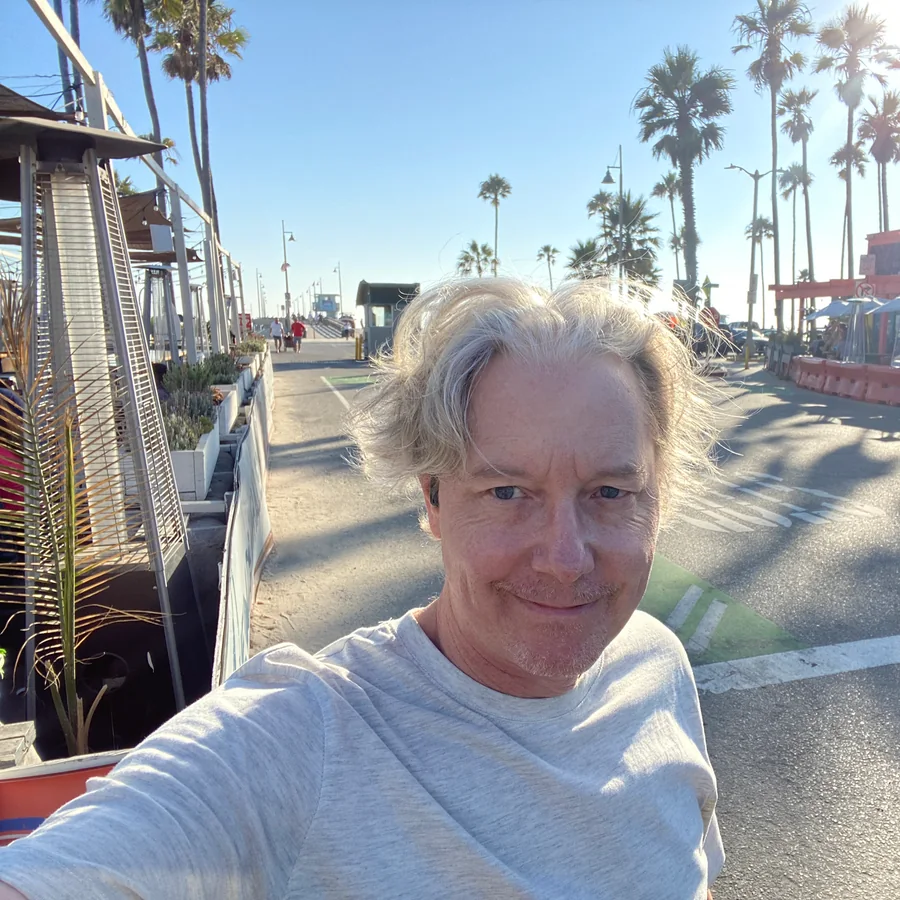
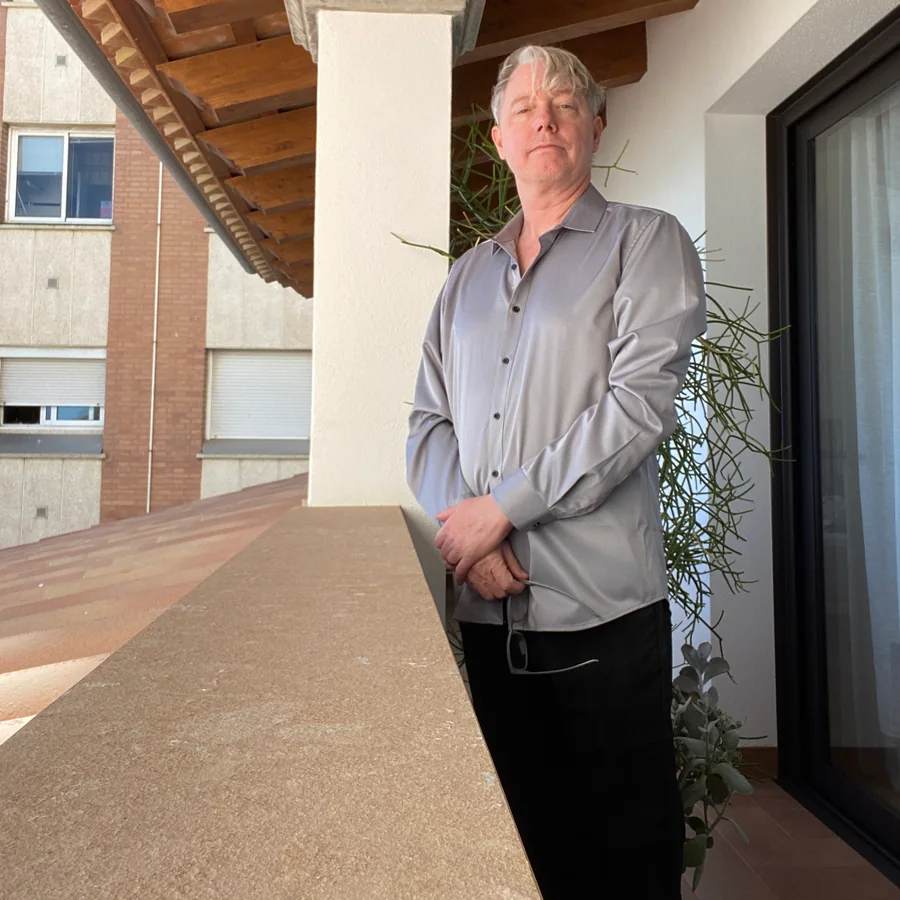
10 of 33 shown. Daylight, tungsten, neon, indoor and out — so the trigger binds to the face, not to one room.
Video clips — 26 clips, 124 frames each, with the spoken line written into the caption
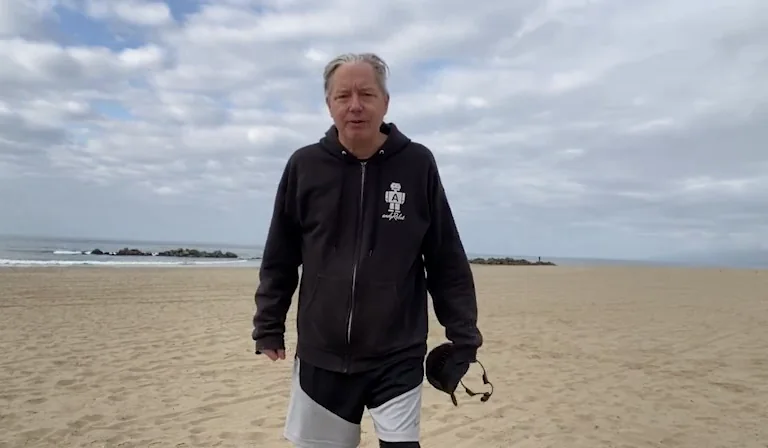
0002b · beach, cloudy morning
…wearing a dark hoodie. “I'm telling you, today is the day we're going to set up the LTX”
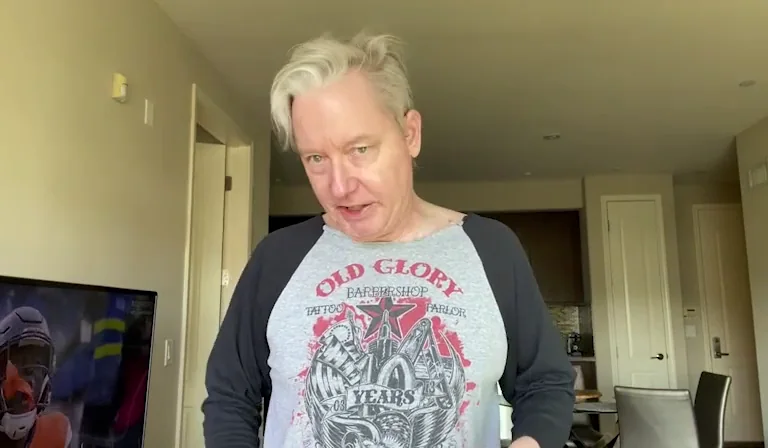
0003b · apartment, kitchen behind
…grey T-shirt with a pirate logo. “With the video, that way I can train a model”
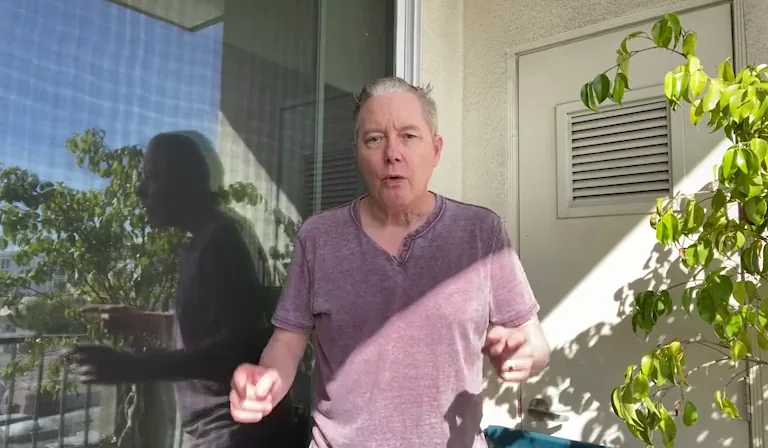
0007b · patio, plant to the right
…faded purple V-neck. “When it comes time to really understand lip-sync.”
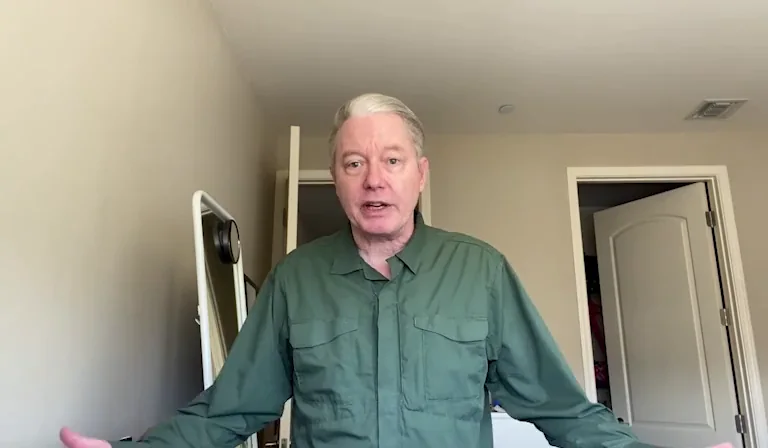
0008b · bedroom, mirror behind
…green military shirt. “Sometimes we just have to wing it.”
4 of 26 shown. Each clip also trained its own sharpest face frame as a still, so the subject got a second, sharper look at no cost to the clip step.

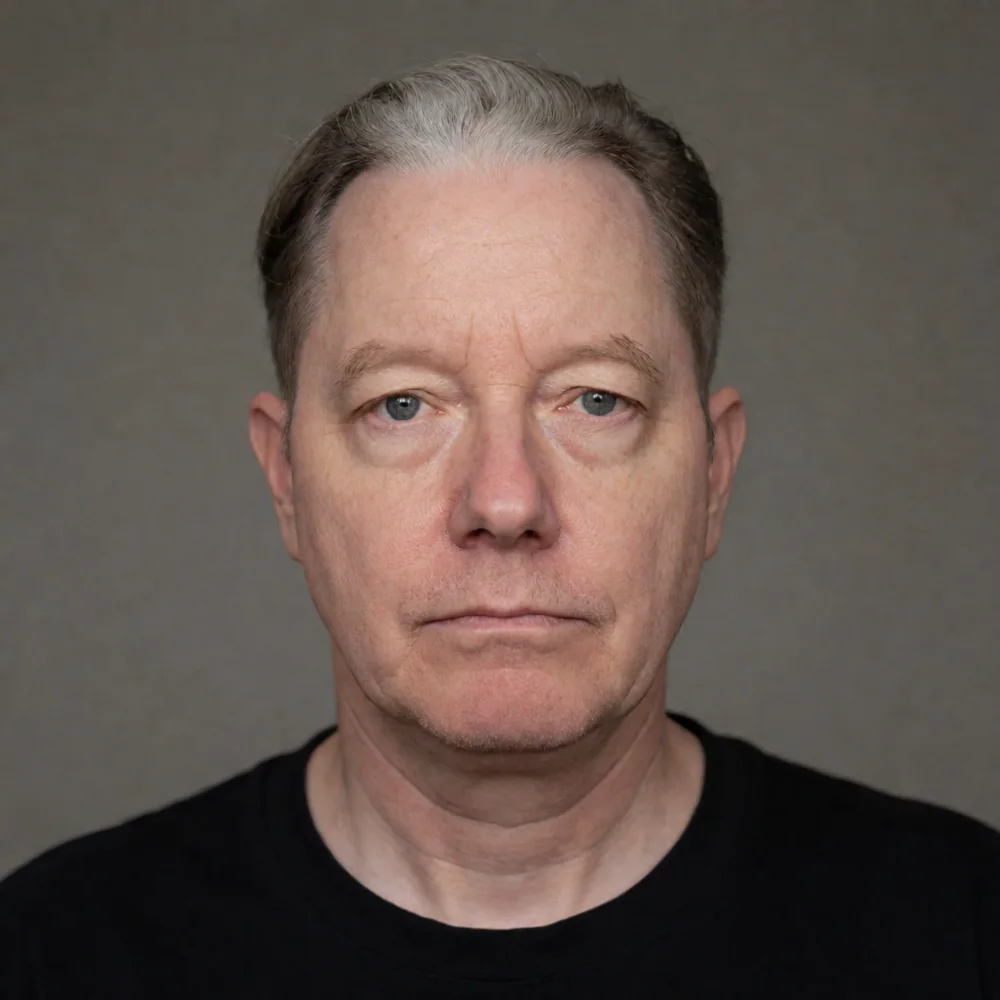
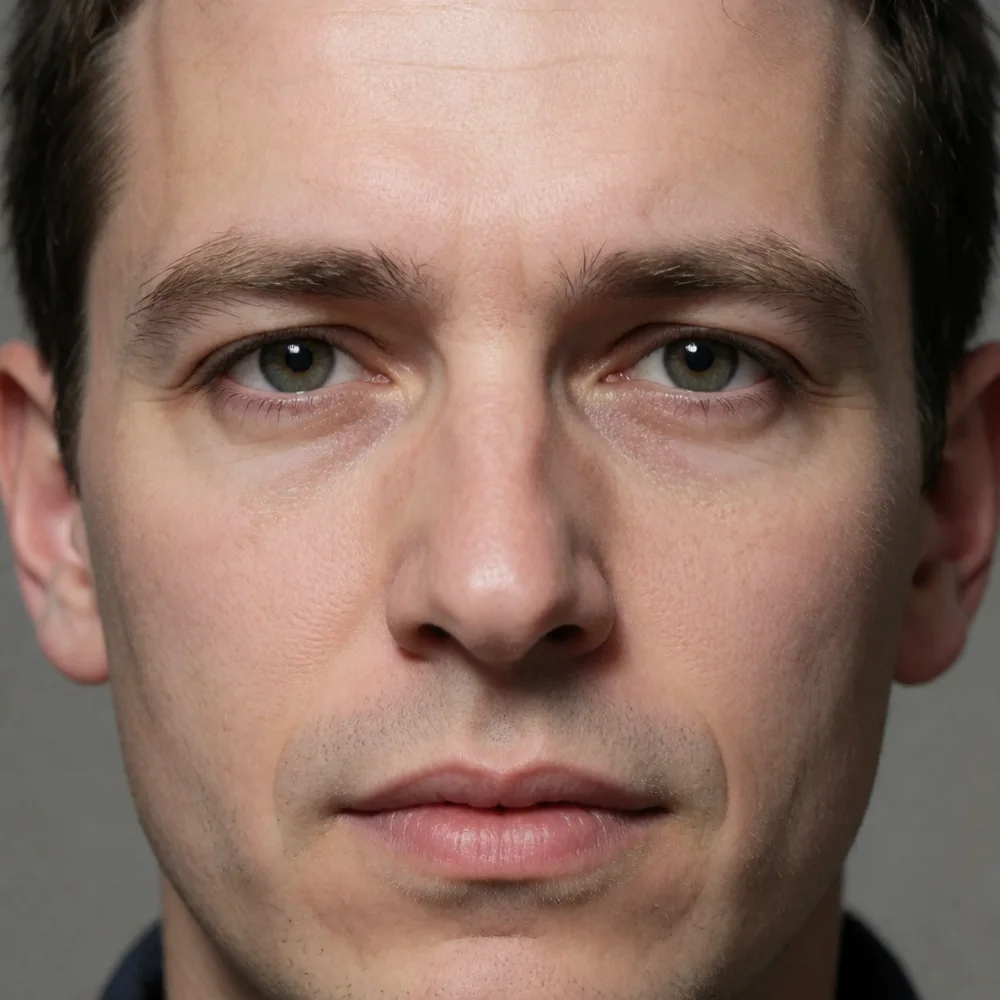
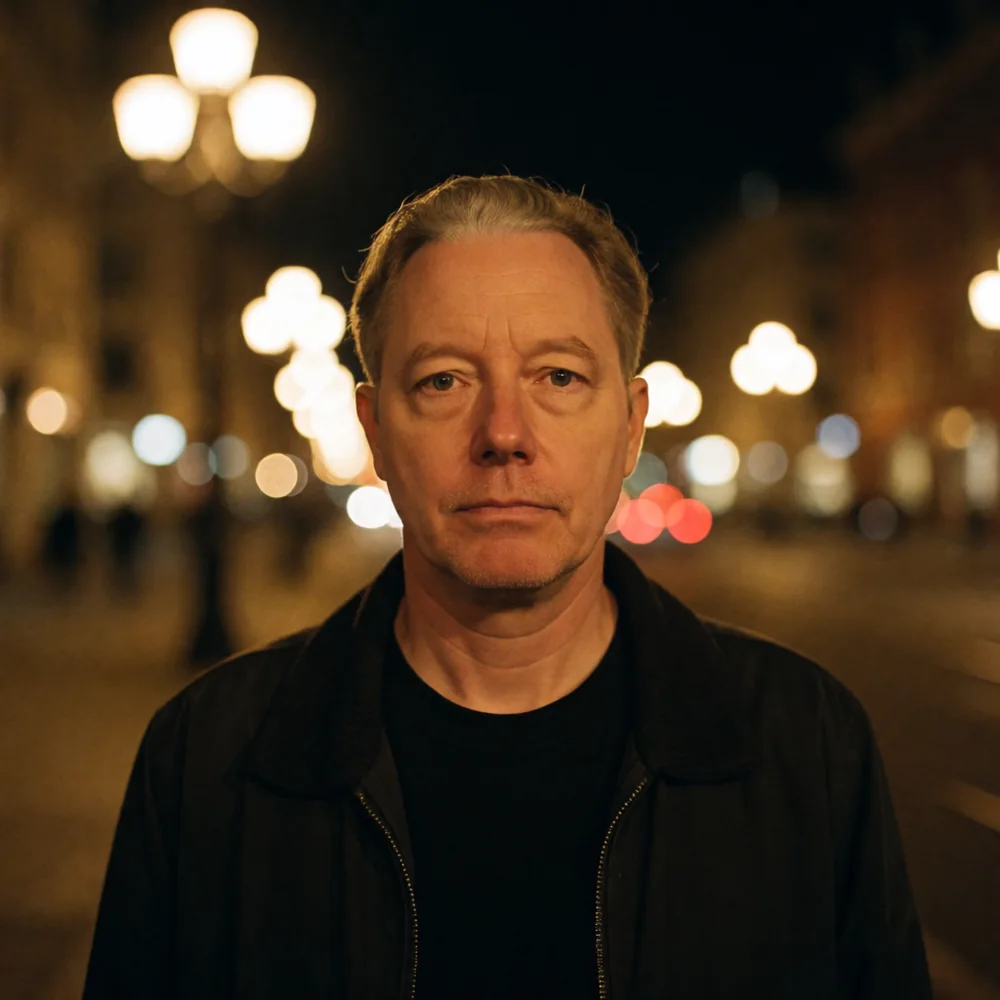
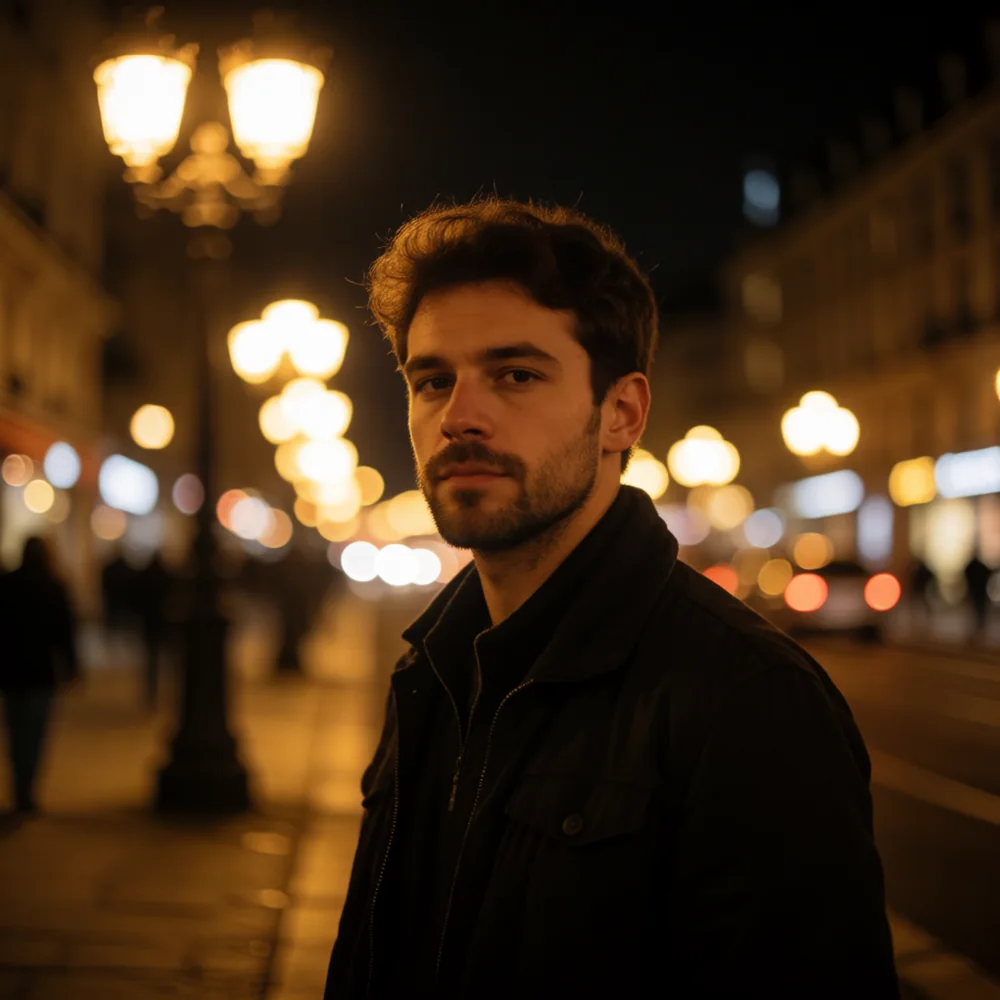
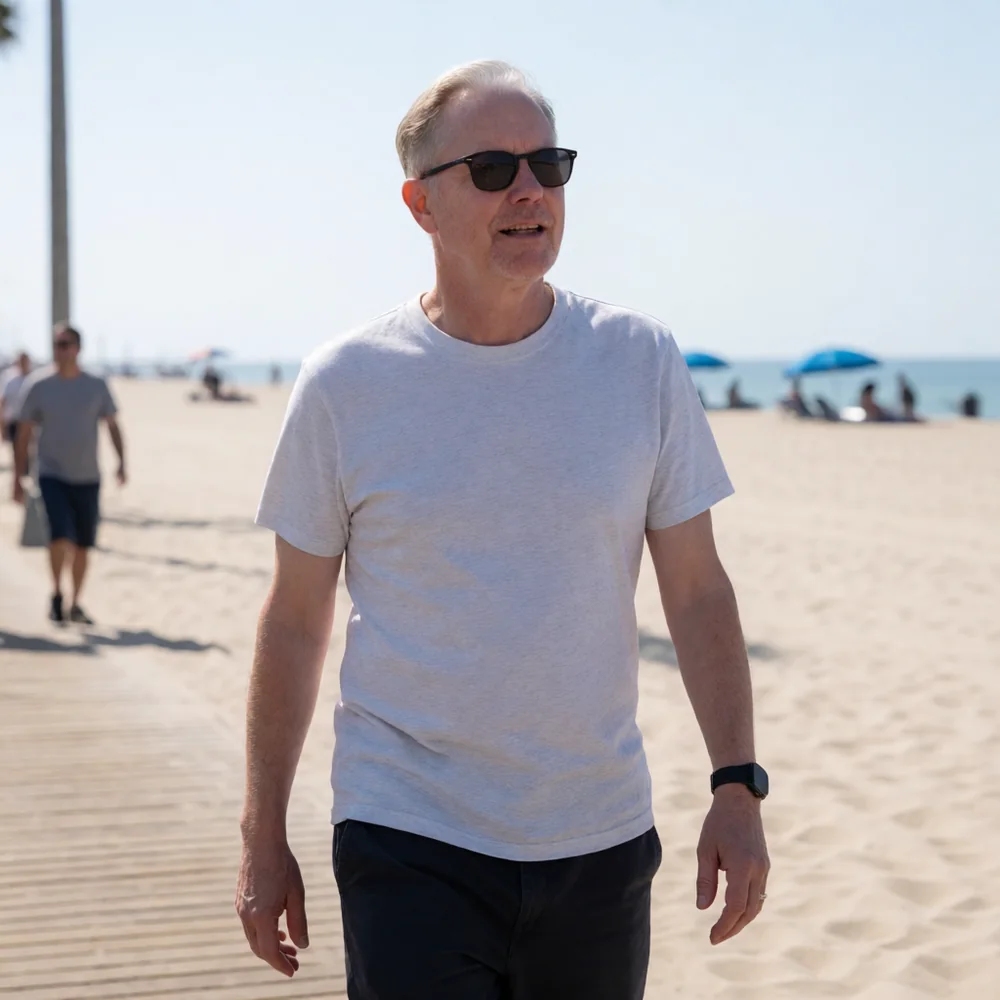
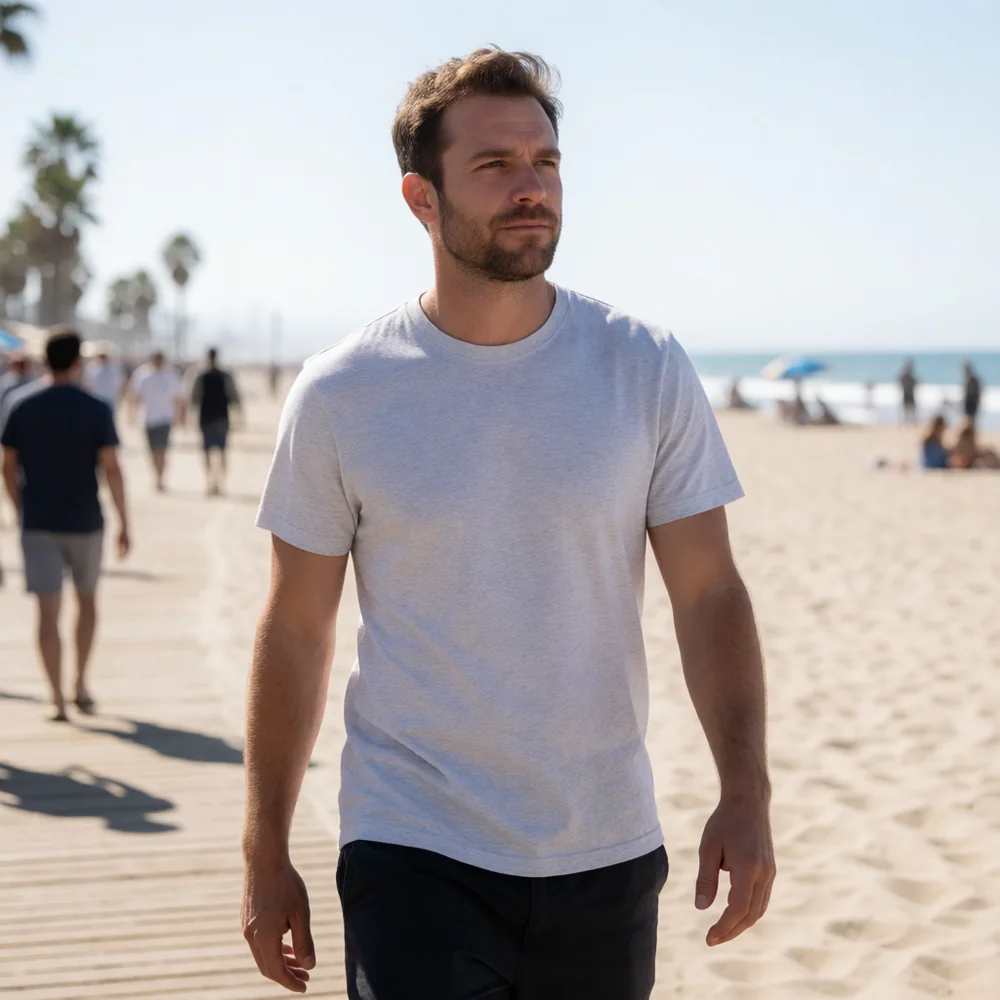
Same prompt, same seed, same 8 steps. The left image has the LoRA on; the right is the base model. Click any image to open it full size.
blazer — “Photograph of j0nt11awm man in a navy blue blazer…”


portrait — “Close-up portrait of j0nt11awm man, neutral expression, studio lighting…”


street at night — “Photograph of j0nt11awm man at night on a city street…”


boardwalk — “Photograph of j0nt11awm man walking on a sunny beach boardwalk…”


The base model gives a different, younger man every time. The LoRA holds one face across all four — studio light, golden hour, night, and hard midday sun.
The H3 LoRA was trained on the clips with their soundtracks, so it carries the voice too. Both clips start from the same still of the training set, same prompt, same seed, same 6 steps.
Both clips are vertical and framed so the mouth stays visible — a talking head is judged on the mouth, and landscape crops it off. In image-to-video the input still already carries the face, so the base model starts close. The LoRA's work shows in the drift: it holds the likeness at frame 100 the way it held it at frame 1. In text-to-video, with no still to lean on, the trigger is what produces the face at all. Sound is generated with the picture, in one pass; no audio was added afterwards.
Both files are already in the drop folders. In Wan2GP the LoRA goes in through two settings keys; in ComfyUI it is an ordinary loader node.
# settings dict, on top of the model defaults { "activated_loras": ["krea2_t2i_lokr_j0nt11awm_v02_fizgig.safetensors"], "loras_multipliers": "1.0" }
krea2_turbo runs 8 steps at guidance 0 · minimax_h3_fl2va_pruned is the H3 video model. Keep the identifier exactly as list_loras returns it, and keep the multiplier a string.
# drop folders, then load normally models/loras/krea2/ # LoKR, LyCORIS-aware loader models/loras/minimax_h3/ # H3 video LoRA
The Krea 2 file is a LoKR. Wan2GP's offload engine expands it natively — no conversion step. ComfyUI handles it through the standard loader.
Prompts that worked
Photograph of j0nt11awm man in a navy blue blazer, standing outdoors in soft natural afternoon light, natural skin texture, 35mm lens Close-up video of j0nt11awm man sitting at an outdoor table, talking and smiling naturally as he speaks, soft afternoon sunlight, natural skin texture, clear conversational vocal delivery with ambient outdoor sound, 24fps photorealistic
Trigger first. Description second. For H3, the spoken line goes in quotes and no blank lines anywhere in the prompt.